12 best customer service automation software for support teams in 2026
 18 minutes
 12.10.2026

Customer service automation software takes repetitive support work off your team: it answers common questions with an AI agent, routes and tags tickets, sends automatic replies, and gives customers a knowledge base to help themselves. Below are the 12 best customer service automation software tools for 2026, from AI-first platforms to classic help desks, with current pricing from each vendor’s website.
We chose these customer service automation solutions for support teams of different sizes: B2B SaaS, ecommerce, and enterprise. If you’re new to the topic, start with our guide to customer service automation; to estimate the payback, see how to calculate customer service automation ROI.
Customer service automation software compared
Starting prices come from vendor pricing pages, checked in November 2026.
| Tool | Best for | AI agent | Channels | Starting price |
|---|---|---|---|---|
| Dashly | B2B SaaS support teams | AI support agent | Web chat, WhatsApp, Telegram, email | On request |
| Intercom | SaaS teams with in-app support | Fin AI Agent | Chat, email, phone, WhatsApp, social | $19/seat/mo + $0.99 per Fin outcome |
| Zendesk | Large teams with SLAs | AI agents (monthly limit included) | Email, chat, messaging, social, phone | $19/agent/mo; chat from $55 |
| Freshdesk | Small and growing teams | Freddy AI Agent | Email, chat, social, phone | $19/agent/mo |
| Help Scout | Small SaaS support teams | AI agent, $0.75 per resolution | Email, chat, SMS | Free; $25/user/mo |
| Tidio | Startups and online stores | Lyro AI Agent | Chat, email, social | Free; $33/mo |
| HelpCrunch | Startups and small SaaS teams | AI Agents on Pro and Unlimited | Chat, email, social, messengers | $15/user/mo |
| Zoho Desk | Process-heavy teams on Zoho | AI agents from Standard | Email, chat, social, phone | Free; $7/user/mo |
| Gorgias | Shopify and ecommerce stores | AI Agent, $1.00 per interaction | Email, chat, social, SMS | $10/mo |
| Crisp | Startups and small teams | Hugo AI agent (credits included) | Chat, email, messengers | Free; $45/mo per workspace |
| Kustomer | High-volume B2C support | AI agents, from $0.75 per conversation | Chat, email, social, SMS | On request |
| LiveAgent | Teams that need tickets, chat, and phone | AI chatbot (your own LLM key) | Email, chat, phone, social, messengers | $15/agent/mo |
How we chose these tools
A customer service automation platform earns a place on this list if it does five things well:
- Answers on its own. An AI agent or rules that resolve common questions without a person, and a clear handoff when they can’t.
- Routes the rest. Assignment, tagging, and priorities, so tickets don’t wait in the wrong queue.
- Covers your channels. Chat, email, and the messengers your customers already use, in one inbox.
- Fits your stack. Integrations with your CRM and the tools your team works in.
- Shows its price. A public starting price or a clear pricing model, so you can compare total cost.
Automated customer service solutions differ most on the first point: some answer customers with an AI agent, while others mostly route tickets for people to answer.
If you mainly need an AI agent on top of an existing help desk, see our list of the best AI customer support tools.
5 signs you need customer service automation software
- Your support agents spend more time answering repetitive questions than solving new ones
- You’re missing SLAs because tickets are getting lost or delayed
- Your team is growing, but performance is plateauing
- You can’t track or prioritize inquiries across multiple channels
- Customers keep asking about basic things that could be handled with a knowledge base or an AI agent
1. Dashly: best customer service automation software for B2B SaaS teams
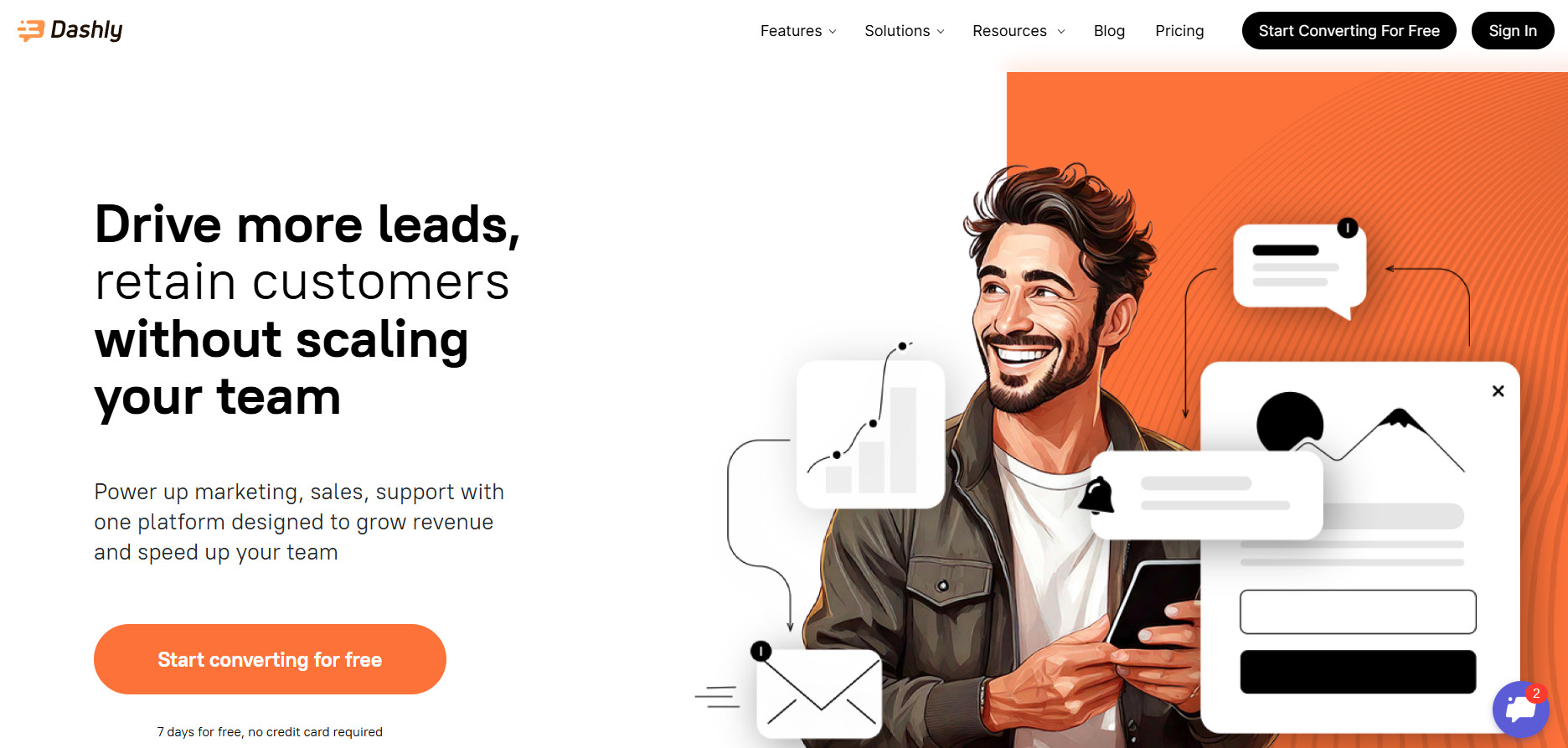
Dashly gives B2B SaaS support teams an AI support agent on the first line and a shared inbox where human agents pick up the rest.
What Dashly’s AI support agent does
- Learns from your website and help center in minutes
- Answers 24/7 in web chat, WhatsApp, Telegram, and email
- Shows the source of each answer, so your team sees which article to fix when an answer is wrong
- Hands the conversation to a human agent when the knowledge base has no answer, instead of making one up
Shared inbox for human agents
Each customer’s conversations stay in one thread across channels, and a human agent can step into any conversation the AI agent is handling.
Results
At BizBots, a marketing automation platform, the AI support agent closes about 40% of chat requests without a human. Wrong answers fell from almost 50% to about 2.5% on 4,000 questions after the team fixed its knowledge base. Questions handled by human agents dropped from 10,000 to 6,000. Read the BizBots case study.
Dashly pricing
Pricing is on request. Book a demo to see the agent answer from your own knowledge base.
2. Intercom: automation platform for SaaS customer service
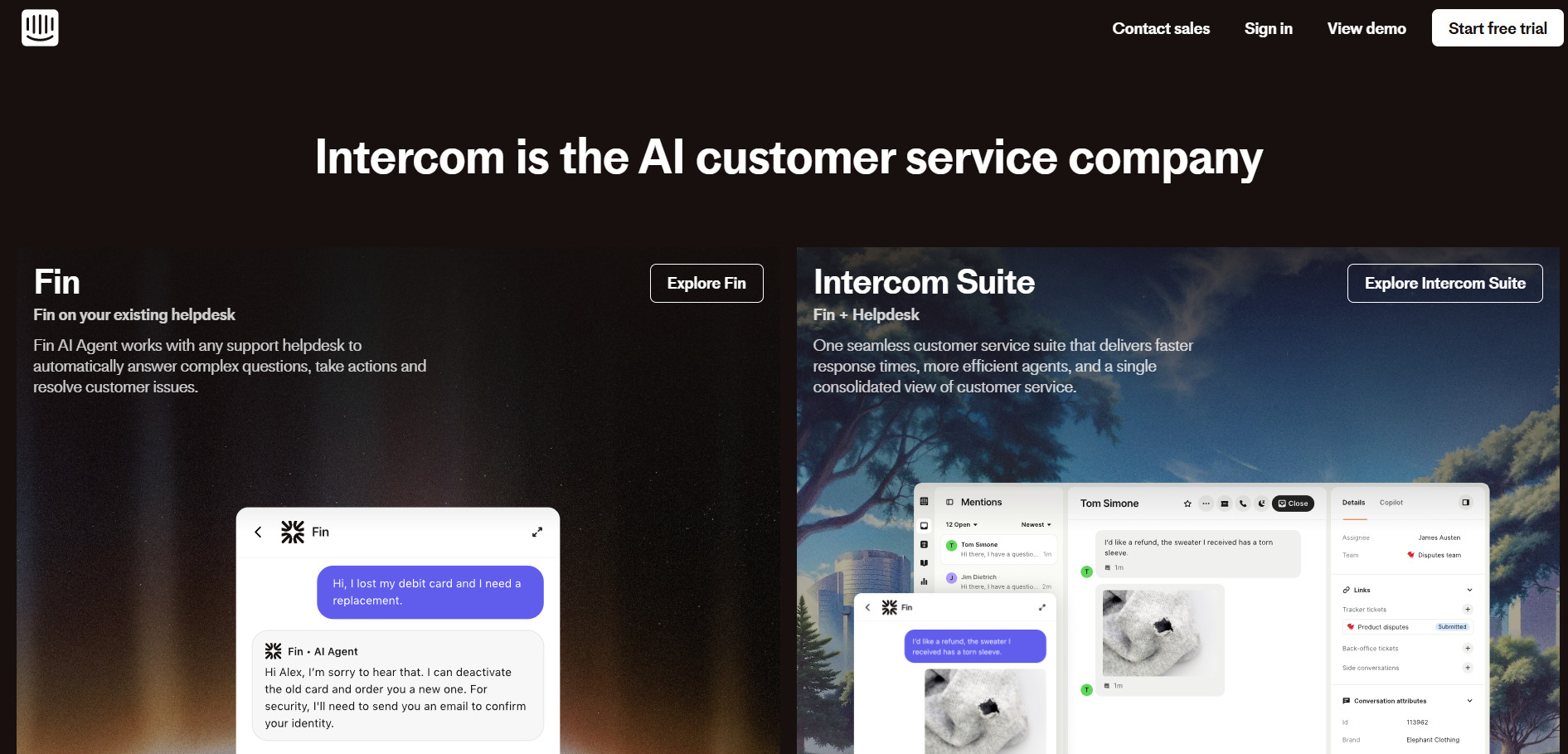
Intercom combines live chat, ticketing, proactive messages, and automation in one inbox and is built for SaaS and tech companies. If you’re comparing options, see our list of Intercom alternatives.
Features for automating customer service workflows
Its AI agent, Fin, answers from your knowledge base and hands complex questions to your team with context, so customers don’t repeat themselves.
Key automation features include:
- Fin AI Agent: Resolves queries autonomously, without human involvement
- Messenger with shared inbox and automated ticketing
- Workflow automation builder to route, prioritize, and tag conversations
- Multilingual and multi-brand service automation flows
- AI-assisted agent replies to increase response speed
- Public Help Center for self-service support
The system also supports round-robin agent assignment, internal notes, reporting, and deep integrations with 300+ tools.
Intercom pricing
Essential starts at $19 per seat a month billed annually, or $29 monthly. Fin AI Agent costs $0.99 per outcome on all plans, and Intercom says Fin customers average a 76% resolution rate (fin.ai). 14-day free trial; no free plan.
3. Zendesk: scalable service automation software for large teams
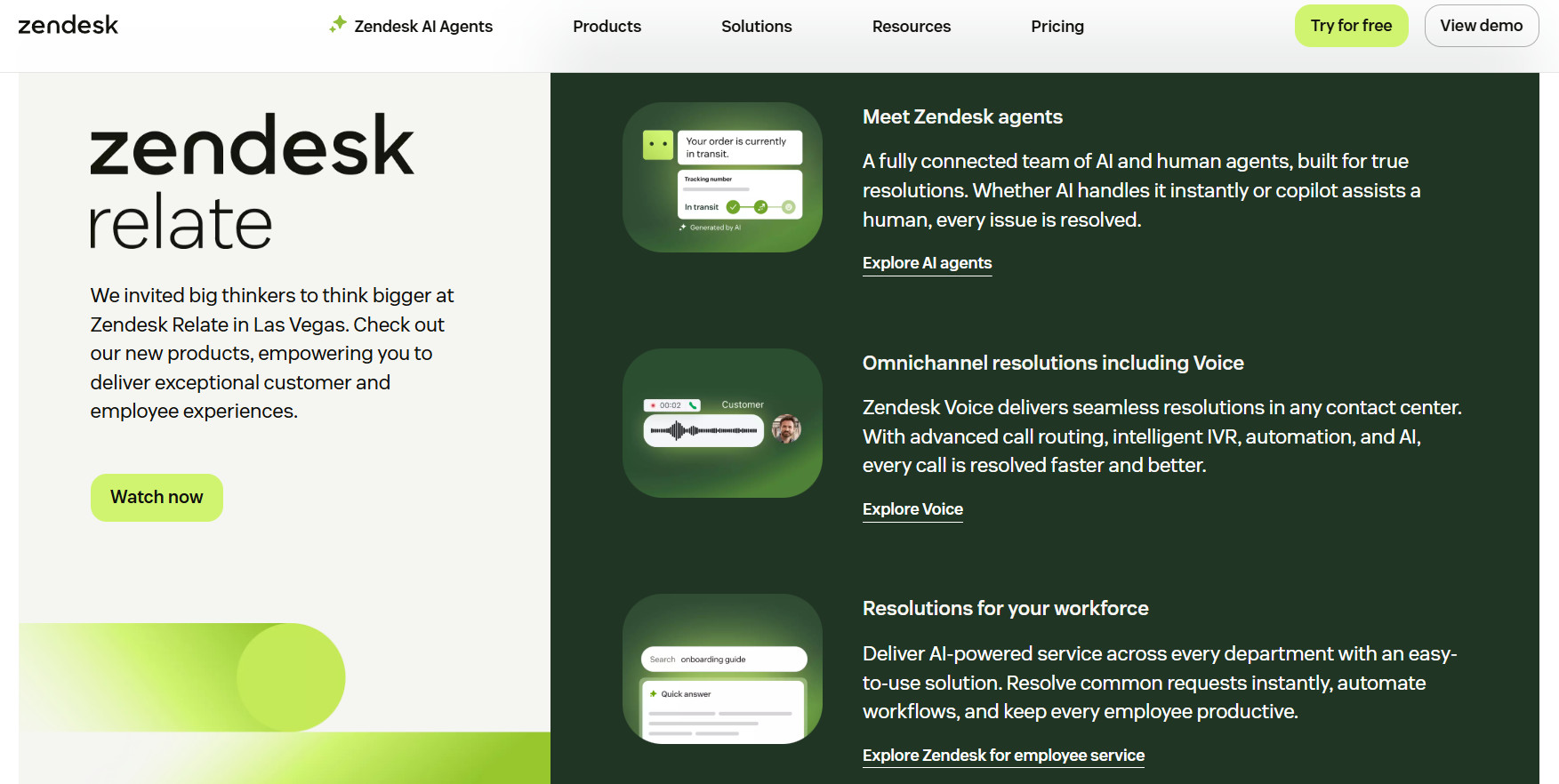
Zendesk is built for enterprise teams that handle high ticket volumes across many channels, with workflows, SLA enforcement, and detailed reporting.
If your support team needs tight control over workflows, team collaboration, and omnichannel customer service, Zendesk is likely already on your radar.
Zendesk features for customer service
Zendesk is all about power and depth. From automated ticketing to custom macros and AI-driven suggestions, it offers extensive automation tools for large teams with layered responsibilities.
Key automation features include:
- Workflow automation for routing, tagging, and prioritizing tickets
- Custom macros to automate replies and internal actions
- SLA management and alerts for escalation
- Trigger-based notifications for agent assignments
- AI-powered content suggestions from your knowledge base
- Integrated Help Center and community forums for self-service
- Agent workspace with contextual data pulled from third-party tools
- Omnichannel support: email, chat, social, phone, and web
When automation hands a ticket to an agent, the agent sees the full history and takes over.
Zendesk pricing
Support Team starts at $19 per agent a month billed annually ($25 monthly) with basic ticketing. Messaging and live chat start with Suite Team at $55 per agent a month billed annually ($69 monthly). AI agents are included up to a monthly limit of automated resolutions; extra resolutions cost $1.50 to $2.00 each. 14-day trial.
4. Freshdesk: affordable automation software for small businesses
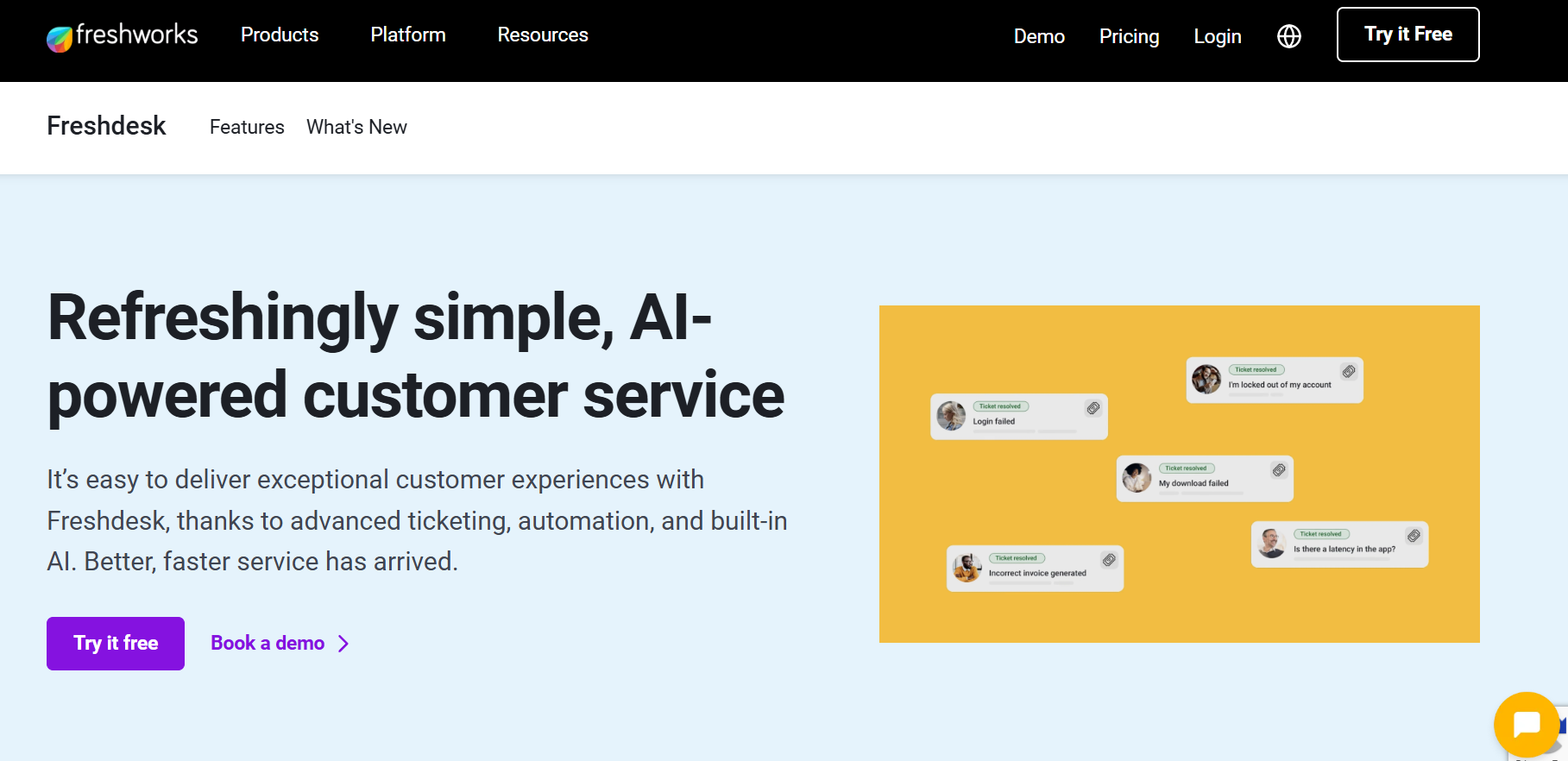
Freshdesk, made by Freshworks, is a help desk for small teams that want structure without enterprise setup.
Freddy Copilot helps agents reply faster, and non-technical teams set up automations themselves.
Freshdesk features for customer service automation
Automation features include:
- Freddy AI Copilot for agent assistance and instant suggestions
- Workflow automations for ticket routing, prioritization, and SLA alerts
- Event-based triggers and time-based rules
- Auto-assignment logic with round-robin, load balancing, or skill-based routing
- Multichannel inbox for email, chat, social, and phone
- Integrated knowledge base to deflect common questions
- Customer portal for self-service and ticket tracking
Freshdesk’s UI is beginner-friendly, yet powerful enough to support growth-stage businesses.
Freshdesk pricing
Growth starts at $19 per agent a month billed annually. Freddy AI Agent is included in Growth, Pro, and Enterprise for the first 500 sessions, then costs $49 per 100 sessions; Freddy AI Copilot is a $29 per agent add-on on Pro and Enterprise. 14-day trial.
5. Help Scout: customer service automation for small SaaS teams
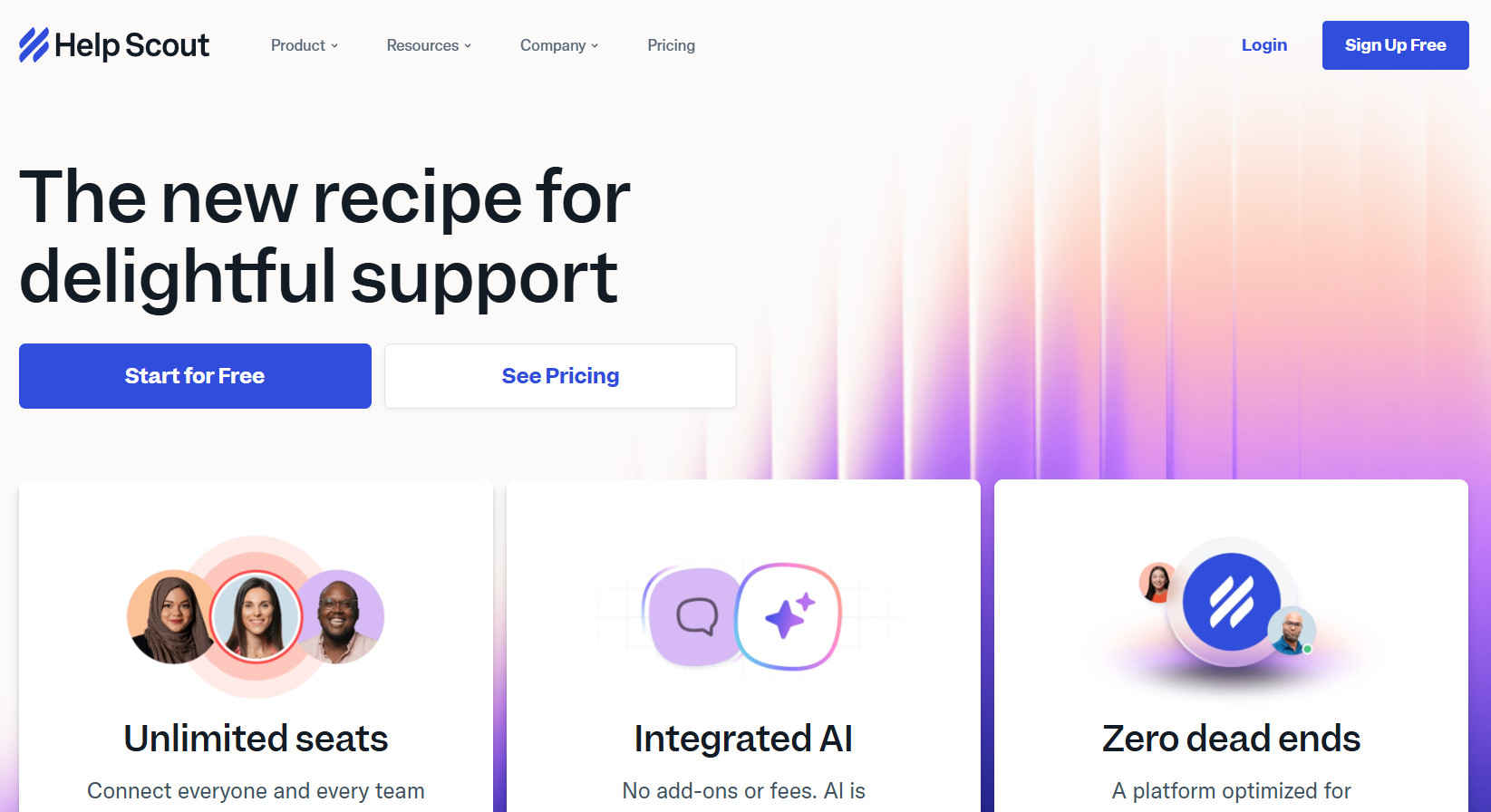
Help Scout is built for teams that want automated replies to still read like a person wrote them. The interface is easy for agents to learn.
Best suited for small to mid-size support teams in SaaS, nonprofits, and education, Help Scout balances ease of use with features that help agents move faster and smarter.
Help Scout automation solutions for support teams
Help Scout’s automation tools are lightweight but powerful. It’s ideal if you want to streamline support without introducing technical complexity or a corporate-feeling interface.
Automation features include:
- Beacon widget with AI-powered suggestions
- Saved replies for repetitive messages
- Workflows to auto-tag, assign, and prioritize tickets
- Docs knowledge base with AI-powered search
- In-app messaging with targeting options
- AI Assist and AI Summarize on paid plans
- Multiple inboxes to organize teams by department or product
- Integrations with 100+ tools, including CRMs and analytics platforms
Help Scout also includes CSAT tracking, surveys, and customer property fields for context-based responses.
Help Scout pricing
Free plan for 5 users with one inbox. Standard costs $25 per user a month billed annually ($30 monthly), with unlimited contacts on paid plans. AI resolutions cost $0.75 each, and new accounts get three months of unlimited AI resolutions free. 15-day trial.
6. Tidio: customer service automation for chat-first support teams
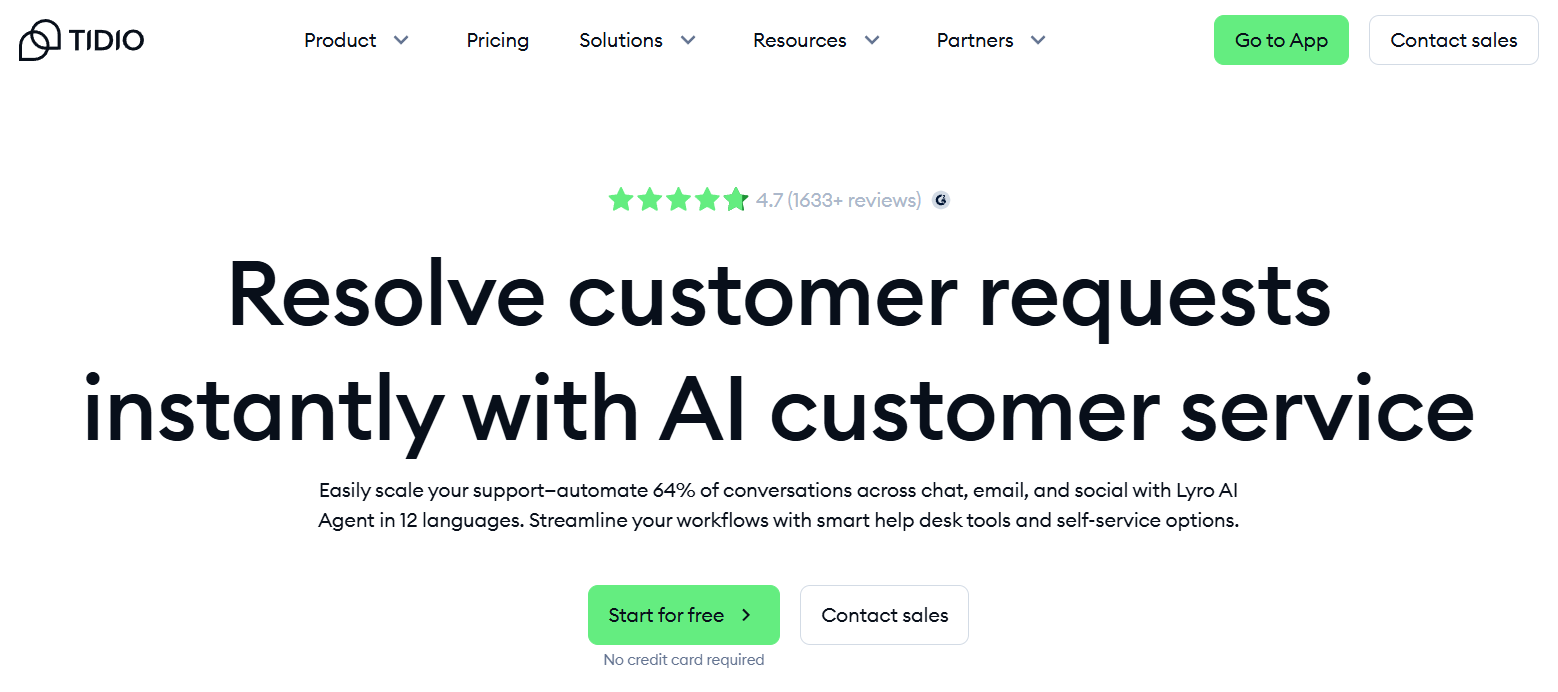
Tidio is a great fit for startups and small support teams that want to offer fast, automated chat without needing a complex tech stack. Its visual flow builder and Lyro AI Agent help you automate FAQs, route conversations, and cut resolution times.
It’s especially popular among ecommerce, education, and service-based businesses that rely on live chat.
Tidio’s automation tools and feature set for any customer
Tidio includes both out-of-the-box AI and visual builders that let you design support logic without writing code.
Automation features include:
- Lyro AI Agent: solves up to 70% of customer problems, according to Tidio
- Responds in multiple languages and handles repetitive requests
- Visual chatbot builder (“Flows”) to guide users and reduce support volume
- Shared inbox with agent collaboration tools
- Multichannel chat widget for web, Facebook, Instagram, and email
- Live visitor list with targeting triggers
- Real-time agent monitoring and handoff logic
- Option to upgrade automation limits or add-on usage
In Tidio you start with one automation and add more later, so setup takes little time.
Tidio pricing
Free plan with 50 human conversations a month and a one-time 50 Lyro conversations. Starter costs $33 a month or $390 a year; Growth starts at $63 a month and Plus at $300 a month. 7-day trial.
7. HelpCrunch: budget-friendly customer service and messaging automation tool
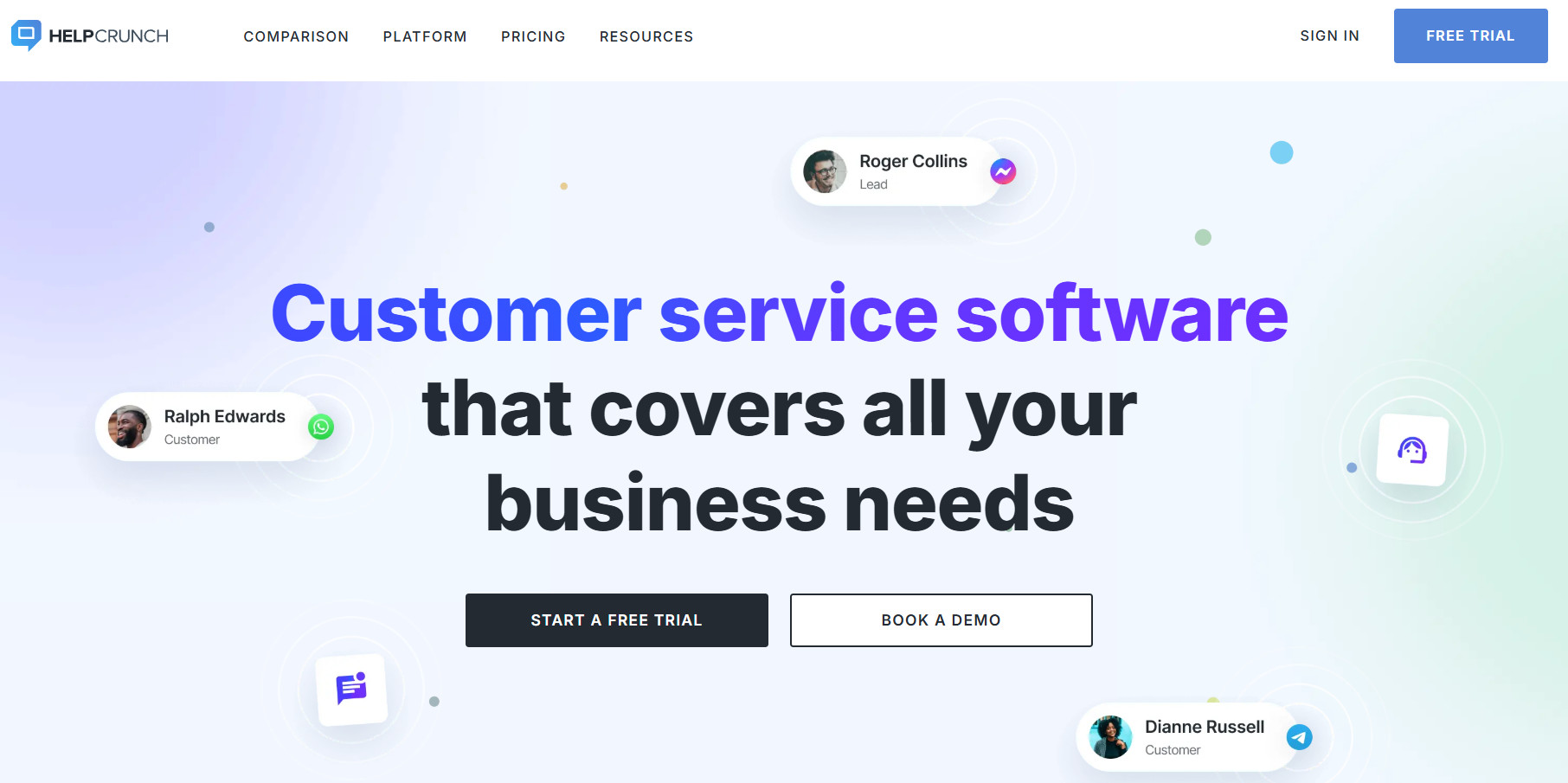
HelpCrunch is a compact but powerful automation software that combines live chat, email, and popup marketing into one clean interface. It’s perfect for startups, SaaS tools, and content-driven teams that want to simplify communication and automate customer workflows.
Its blend of chatbots, knowledge base support, and messaging logic makes it an ideal pick for small to mid-sized customer service teams looking for speed without sacrificing control.
HelpCrunch automation features and service management tools
HelpCrunch focuses on multichannel communication with automation baked in.
Key automation and support features include:
- Visual chatbot flows (up to unlimited, depending on plan)
- AI Agents that answer from your knowledge base and hand the chat to a person when there is no answer
- AI Editor to rephrase, translate, and change the tone of replies
- Messengers: Facebook, Instagram, Telegram, Viber, and WhatsApp in the same inbox
- Auto messages and popups triggered by user behavior
- Monolingual and multilingual knowledge bases
- Saved replies, message templates, and contact segmentation
- In-app messaging widget with full customization
- Advanced routing and audience targeting
Even on lower-tier plans, HelpCrunch includes basic service automation options, making it accessible from day one.
HelpCrunch pricing
Basic starts at $15 per team member a month, Pro at $25, and Unlimited costs $620 a month for unlimited team members; annual billing saves 20%. AI Agents are available on Pro (50 AI conversations a month) and Unlimited (100), with extra conversation packs on top. 14-day trial, no card required.
8. Zoho Desk: customizable automation platform for process-heavy teams
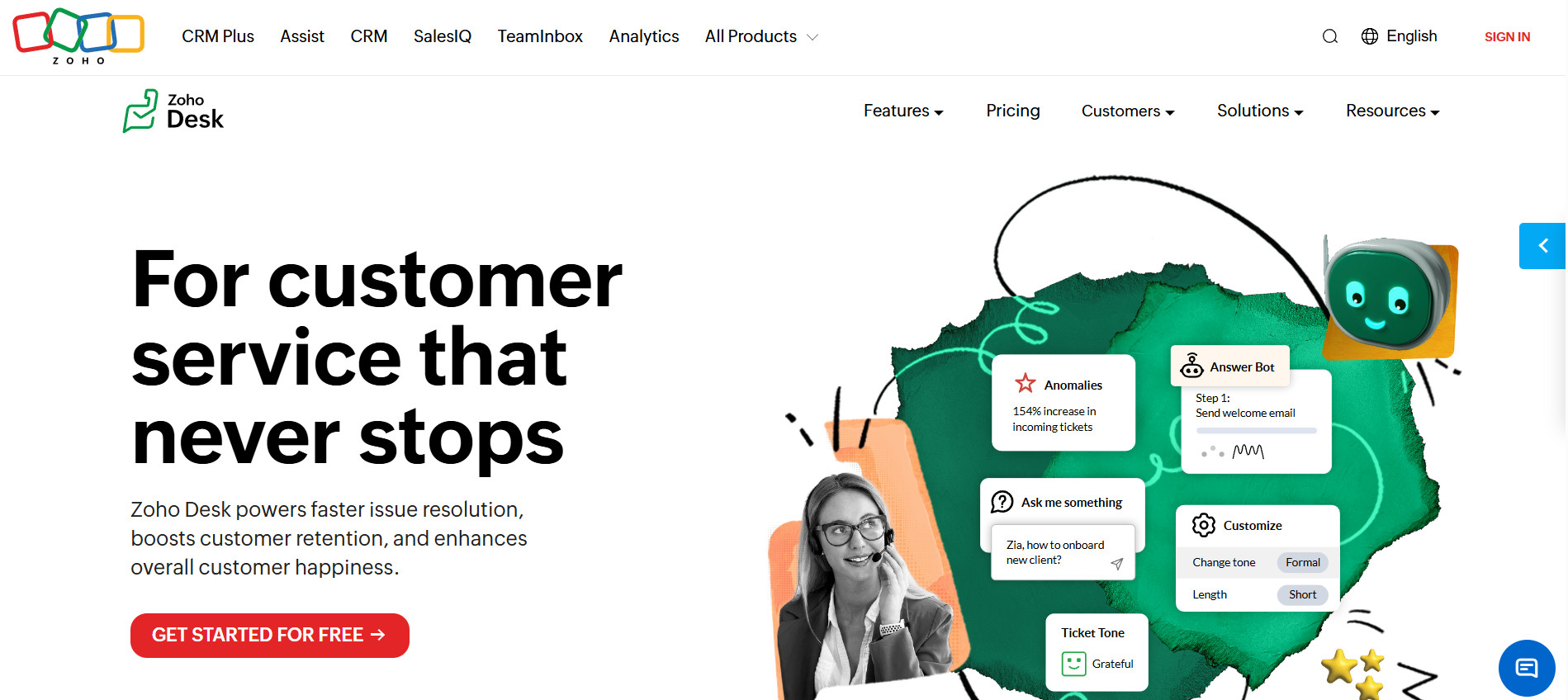
Zoho Desk is part of the Zoho suite. It suits teams with fixed service workflows and internal SLAs: workflows and support journeys can be configured in detail.
It’s best suited for industries like finance, healthcare, logistics, and B2B SaaS where structured, rule-based support is essential.
Zoho Desk features to automate customer and lead communication
Zoho Desk is a powerhouse when it comes to deep automation logic. You can create layered workflows based on user actions, time triggers, ticket types, and more.
Key automation features include:
- Blueprints for visual process automation (ticket life cycle tracking)
- Workflow automations with conditional rules and escalations
- SLA-based rules and response time enforcement
- Macros and custom functions to speed up agent work
- Auto-assignment and round-robin ticket distribution
- Help Center with knowledge base search and AI suggestions
- Multi-department support with separate workflows
- Pre-built integrations with Zoho CRM and third-party tools
Zoho Desk pricing
Free for up to 3 users. Express starts at $7 per user a month billed annually ($9 monthly), for up to 5 users. AI agents start on the Standard plan and the Zia assistant on Professional. 15-day trial.
9. Gorgias: customer service software made for ecommerce businesses
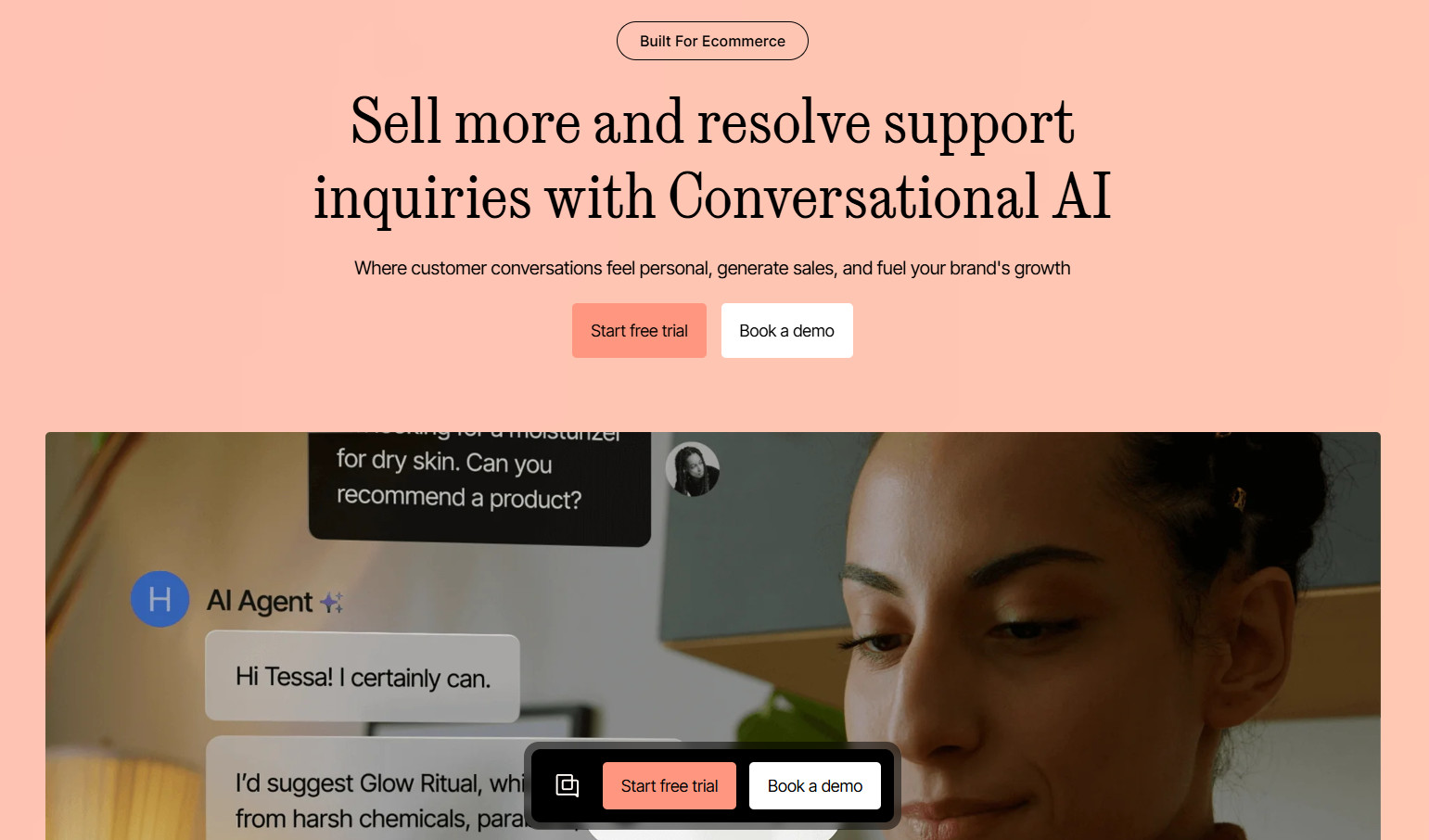
Gorgias is built for ecommerce brands and automates repetitive order questions. With direct integrations into Shopify, Magento, and BigCommerce, it pulls order data into the conversation, so agents and the AI agent answer faster.
If you run a DTC brand and want to scale without a bloated support team, Gorgias is built for you.
Gorgias automation features and integrations
Gorgias helps support teams resolve issues faster by using automation tools to eliminate repetitive tasks and reduce handle time.
Key features include:
- Rule-based automation to tag, prioritize, and assign tickets
- Macros for responding to common requests like “Where’s my order?”
- Pulls real-time order, shipping, and customer info directly into tickets
- Shopify, BigCommerce, and Magento integrations
- Self-service portal for tracking and returns
- Unified inbox for email, chat, social DMs, and SMS
- Intent detection and sentiment analysis to guide agent actions
- Performance dashboards for automation and agent tracking
Automation takes routine order questions, and people handle the rest.
Gorgias pricing
Starter costs $10 a month with 50 tickets, billed monthly. AI Agent is priced per automated interaction: $1.00 on monthly plans and $0.90 on annual plans. 7-day trial.
10. Crisp: shared inbox and automation for startups
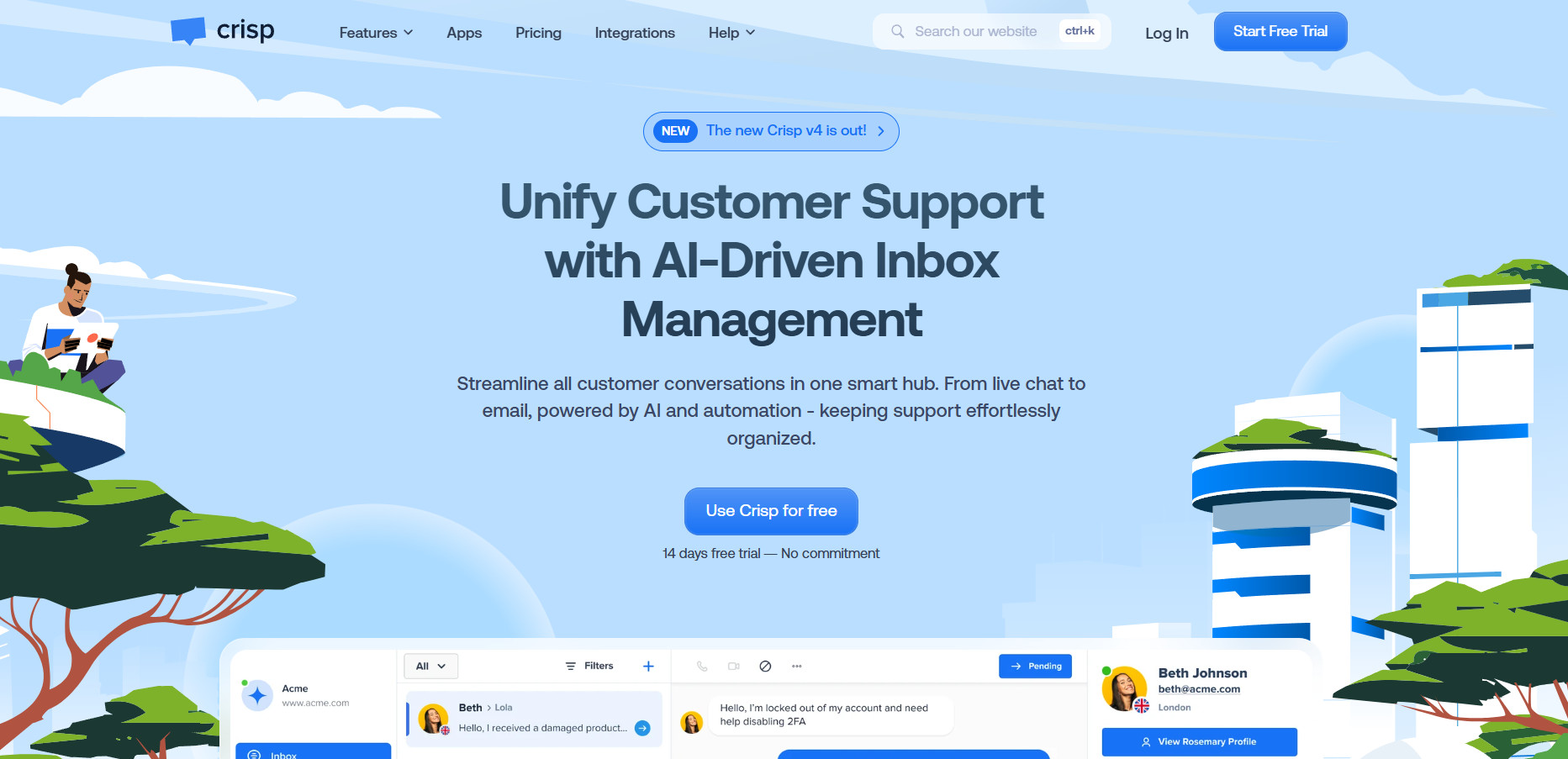
Crisp gives small and mid-sized businesses a shared inbox, chatbot automation, and multichannel messaging in one dashboard.
What makes Crisp stand out is how it merges live messaging with smart automation and collaboration tools in real time.
Crisp tools for automating customer interactions
Crisp gives support agents the tools they need to respond faster, stay organized, and deflect common requests automatically.
Key features include:
- Shared inbox that consolidates chat, email, Messenger, and more
- Chatbot automation for FAQs, lead capture, and routing
- Trigger-based messaging flows with custom logic
- CRM with full customer profile and conversation history
- Live view of customer typing for faster prep time
- Internal notes, mentions, and team collaboration tools
- Integrated knowledge base for AI-assisted answers
- Video chat, co-browsing, and status syncing across devices
Teams mix human conversations with automated flows without writing code.
Crisp pricing
Free plan for 2 agents. Mini costs $45 a month per workspace with 4 agents, Essentials $95, and Plus $295; extra agents cost $10 a month. Paid plans include AI credits for Hugo, Crisp’s AI agent. 14-day trial.
11. Kustomer: CRM-based automation for service-heavy companies
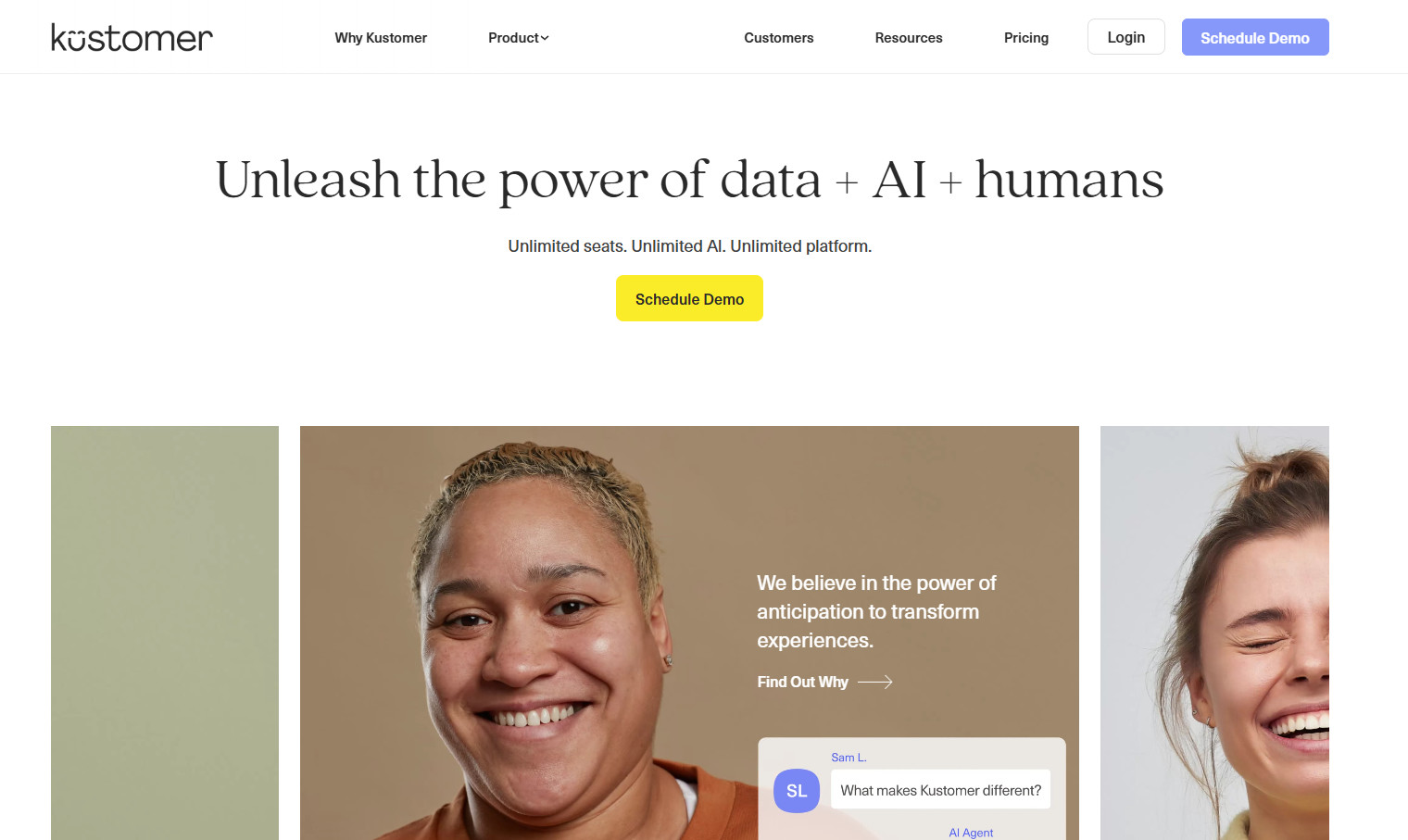
Kustomer combines ticketing with a CRM, so agents see every past interaction with the customer. It fits subscription services, marketplaces, and logistics providers.
Kustomer automation features and service management tools
Teams build rules-based flows across channels, with AI escalation.
Key features include:
- Omnichannel conversation timeline for unified customer service
- Queue-based and skills-based ticket routing
- Workflow automation builder with triggers and time-based rules
- Support for live chat, email, social, and SMS
- Task management and collaboration tools
- Native AI agents for resolving common questions
- Detailed customer and performance reporting
- Multi-brand workspace support (on higher-tier plans)
Kustomer’s strength lies in combining CRM depth with support logic, allowing agents to deliver fast, personalized service at scale.
Kustomer pricing
Pricing is on request through Kustomer’s sales team. AI is priced separately: customer-facing AI starts at $0.75 per engaged conversation, and agent-facing AI costs $50 per user a month on the Enterprise and Ultimate plans.
12. LiveAgent: tickets, chat, and phone with rule-based automation
LiveAgent is built for support teams that care about reply speed and ticket accuracy. It has a rules engine, omnichannel integrations, and quick setup.
Its greatest strength? It makes routing, assigning, and resolving tickets almost instant.
LiveAgent automation features and workflow options
LiveAgent includes a flexible automation solution built around rules, tags, and time-based triggers that let you streamline agent workflows from day one.
Key automation features include:
- Workflow rules for auto-tagging, assigning, and escalating tickets
- SLA automation with alerts and timers
- Time rules (e.g., auto-closing idle conversations)
- Tag-based routing and canned messages
- Unified inbox for email, live chat, call center, and social media
- Internal notes and audit logs for team coordination
- Pre-chat forms and contact segmentation
- Integrated knowledge base with smart suggestions
LiveAgent balances affordability with control, making it a favorite for teams with a clear automation playbook.
LiveAgent pricing
Starter costs $15 per agent a month billed annually ($19 monthly), for up to 15 agents; Team costs $29 and Business $49 per agent a month billed annually. AI features run on your own provider key (OpenAI, Anthropic, or Google Gemini), so LiveAgent doesn’t charge for AI itself. 30-day trial, no card required.
Can you automate customer service?
Yes, a large part of it. Software can answer repeat questions from your knowledge base, route and tag tickets, send status updates and confirmations, ask for feedback, and cover nights and weekends. What stays with people: complaints, billing disputes, decisions that need judgment, and any conversation where the customer asks for a person.
The best setups combine both. An AI agent takes the first line, and human agents get the conversations it can’t answer, with the full history attached. At BizBots, that split closes about 40% of chat requests without a human (case study).
Conclusion: choosing customer service automation software
The right customer service automation software depends on where your team loses the most time. If repeat questions fill the queue, start with an AI agent that answers from your knowledge base. If tickets wait in the wrong place, start with routing and workflows. If you run an online store, pick a tool that reads order data.
Shortlist two or three tools from the comparison table, run each on last month’s real questions, and compare the share answered correctly, the handoffs, and the total cost at your volume.
FAQ
C
A
Y
S
S
N
I
F
You can use ChatGPT to draft replies or summarize tickets, but a general model shouldn’t answer customers on its own: it answers from general knowledge and can invent policies you don’t have. For customer service, use an AI agent that answers only from your knowledge base and hands the conversation to a person when the answer isn’t there.
Most customer service automation solutions combine four technologies: AI agents built on large language models that answer questions, rule-based workflows that route and tag tickets, a knowledge base for self-service, and integrations with your CRM and help desk.