15 best AI customer service tools in 2026, compared
 33 minutes
 12.06.2026
Customers expect a fast answer on every channel. In a Freshworks study, 54% of consumers said fast responses matter when they choose a brand, and 55% said they would stop doing business with a company over long wait times. AI customer service tools close that gap by answering the repeat questions instantly and passing the rest to people.
The short answer: the best AI customer service tools in 2026 are Dashly for B2B SaaS teams that want support and inbound sales on one AI layer, Zendesk for enterprise support, Intercom Fin for SaaS teams on in-app messaging, HubSpot Service Hub for teams on HubSpot CRM, and Tidio Lyro for small teams that need a free tier. Below are 15 tools with pricing, resolution claims with sources, and picks by team size.
AI customer service tools compared at a glance
Resolution rates are the vendors’ own published claims and are measured differently by each vendor, so compare them with care. Prices are starting prices from vendor websites, checked on November 19, 2026.
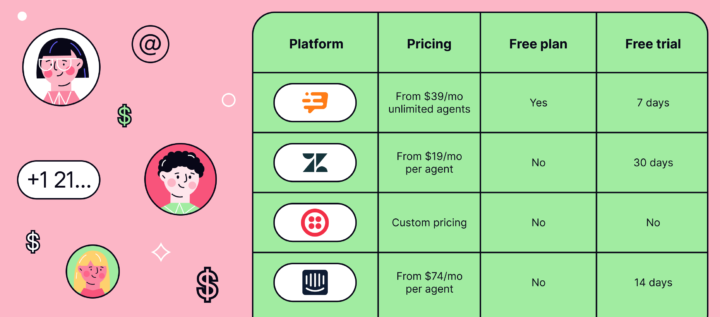
| Tool | Best for | AI resolution (vendor claim) | Starting price | Free plan or trial |
|---|---|---|---|---|
| Dashly | B2B SaaS: AI support agent + AI SDR | About 40% of chat requests at BizBots (case study) | On request | Demo |
| Zendesk | Enterprise, 10,000+ tickets a month | 80% at TeamSystem (customer story) | $19/agent/mo | 14-day trial |
| HubSpot Service Hub | Teams on HubSpot CRM | 70% average (per HubSpot) | Free; paid from $20/seat/mo | Free plan |
| Intercom Fin | SaaS in-app messaging | 76% average (per Intercom) | $19/seat/mo + $0.99 per resolution | 14-day trial |
| Ada | Enterprise no-code, high volume | 84% (per Ada) | Custom | Demo |
| Zoho Desk | Budget teams, Zoho ecosystem | Not published | Free; paid from $7/user/mo | Free plan, 15-day trial |
| Kustomer | eCommerce and retail, high volume | Not published | Custom | Demo |
| Tidio Lyro | SMB and eCommerce | Up to 70% (per Tidio) | Free; paid from $33/mo | Free plan, 7-day trial |
| Freshdesk Freddy AI | Omnichannel, global teams | Not published | $19/agent/mo | 14-day trial |
| ProProfs Chat | Small teams, under 10 agents | 50%+ of tickets (per ProProfs) | Free; paid from $1.99/operator/mo | Free plan, 15-day trial |
| Salesforce Service Cloud | Enterprise, Salesforce CRM | Not published | $25/user/mo | Free trial |
| Help Scout | SMB and SaaS startups | 73% average for AI Answers (per Help Scout) | Free; paid from $25/user/mo | Free plan, 15-day trial |
| Gorgias | eCommerce on Shopify | Not published | $10/mo | 7-day trial |
| Forethought | Mid-market, AI on top of a help desk | 80% deflection at YAZIO (per Forethought) | Custom | Proof of value |
| HappyFox | IT help desk and ITSM | Not published | $24/agent/mo | 14-day trial |
How we evaluated the best AI customer support tools
We compared each tool on four criteria: how it hands conversations to human agents, how it uses your knowledge base, which help desk and CRM integrations it offers out of the box, and how much its reports show about what the AI answered and where it failed. Pricing comes from each vendor’s website; resolution rates are the vendors’ published numbers, linked in each review.
Best AI customer service tools by use case
Pick by team size and the stack you already run.
Best AI customer service tools for small business
Tidio Lyro and ProProfs Chat have free plans with an AI layer, Zoho Desk starts at the lowest per-agent price on the list, and Help Scout keeps setup simple for teams of 2 to 15 agents.
Best AI customer service tools for enterprise
Zendesk and Salesforce Service Cloud cover large omnichannel teams with compliance needs. Ada fits enterprises that want to build AI agents without code across many channels and languages.
Best AI customer service tools for B2B SaaS
Dashly puts an AI support agent and an AI SDR on the same conversations, so a support question that turns into a buying question doesn’t leave the chat. Intercom Fin suits SaaS teams that rely on in-app messaging, and HubSpot Service Hub fits teams whose sales and support already live in HubSpot.
Best AI customer service tools for eCommerce
Gorgias connects to Shopify and answers order questions with order data, Kustomer organizes support around the customer timeline for high-volume retail, and Tidio Lyro adds product recommendations for smaller stores.
Best AI chatbots for customer service
The best AI chatbots for customer service on this list are Intercom Fin, Tidio Lyro, Ada, Zendesk, and ProProfs Chat. Each one answers customer questions in a chat widget from your help content and passes the chat to a person when it can’t help.
The terms overlap, and vendors use them loosely. A classic chatbot follows flows that someone wrote: buttons, keywords, scripted answers. It is predictable and narrow. An AI chatbot uses a language model, so customers can type questions in their own words, and it answers from your knowledge base instead of a script.
An AI agent goes one step further. It decides what to do with a conversation: answer from the knowledge base, ask a clarifying question, or hand the conversation to a human agent or another AI agent with the history attached. Dashly’s AI support agent works this way; see Dashly below.
When you compare AI chatbots, test three things on your own content: how often it answers correctly, what it does when it doesn’t know, and how much context the human agent gets on handoff. For more on chatbots built for support, see our guide to the customer service chatbot.
AI help desk software
AI help desk software is a ticketing system with AI built into each step: it tags and routes incoming tickets, suggests replies to human agents, summarizes long threads, and answers simple requests on its own. The help desk stays the system of record; AI speeds up the work inside it.
On this list, the AI help desks are Zendesk, Freshdesk Freddy AI, Zoho Desk, HappyFox, and Help Scout. Choose one of them if you need ticketing, SLAs, and reporting first. If you already have a help desk and want AI to answer more questions on its own, look at AI agents that work on top of it, such as Forethought or Dashly.
15 best AI customer service tools
Each review covers what the tool does, its AI features, and when to choose it.
1. Dashly: best for B2B SaaS teams combining AI support and AI SDR
Dashly runs two AI agents for B2B SaaS: an AI support agent for the first line of support and an AI SDR for inbound sales. When a support conversation turns into a buying question, the AI support agent hands it to the AI SDR with the full context.
What Dashly’s AI support agent does
- Answers from your knowledge base. The agent learns from your help center, docs, and website in minutes and answers around the clock. Each answer shows which article it came from.
- Hands off instead of guessing. When the answer isn’t in the knowledge base, the agent hands the conversation to a human agent with the full history.
- Improves when you edit the knowledge base. Because the agent shows its sources, you see which article to fix when an answer is wrong.
- Works across channels: website chat, WhatsApp, Telegram, and email.
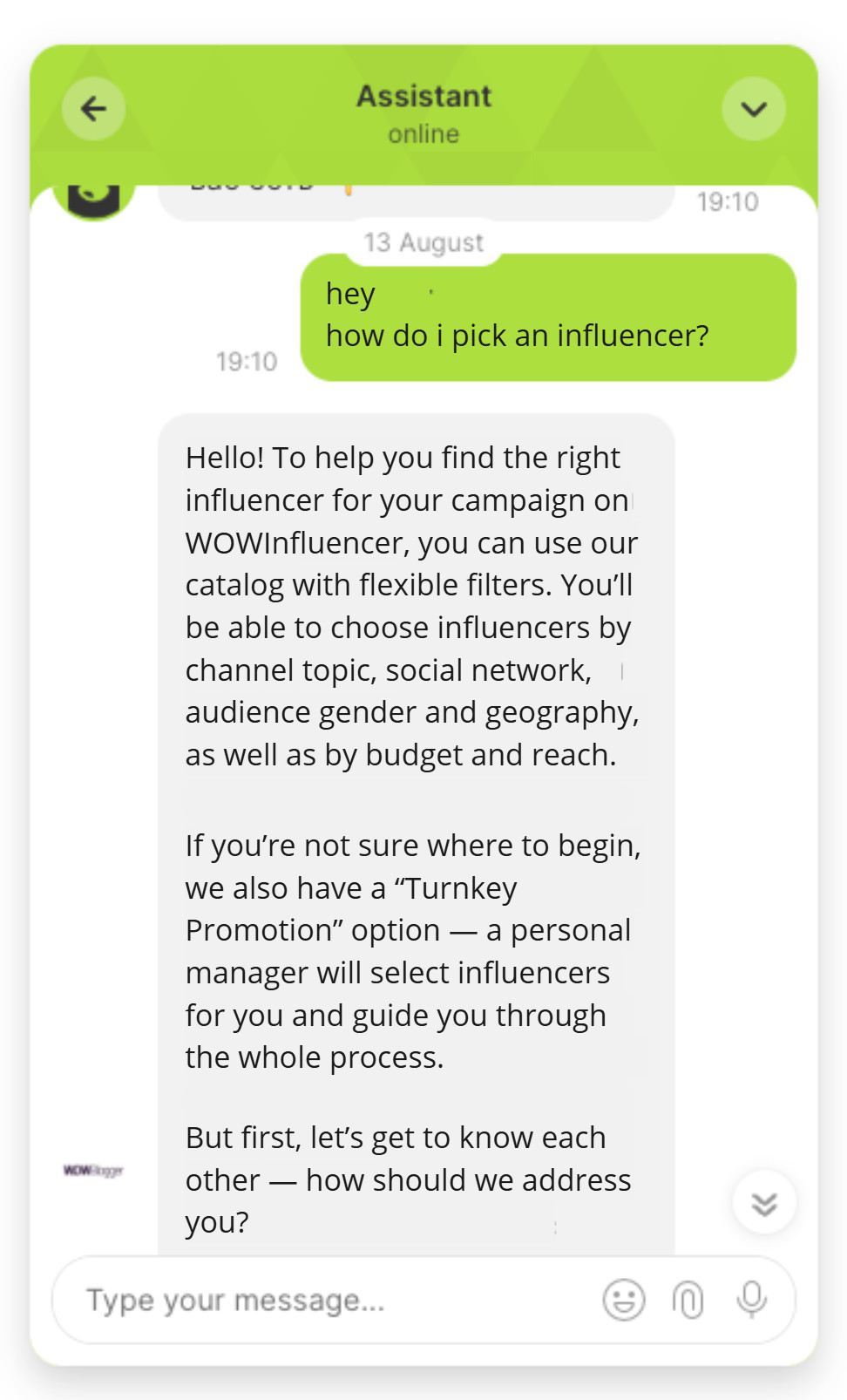
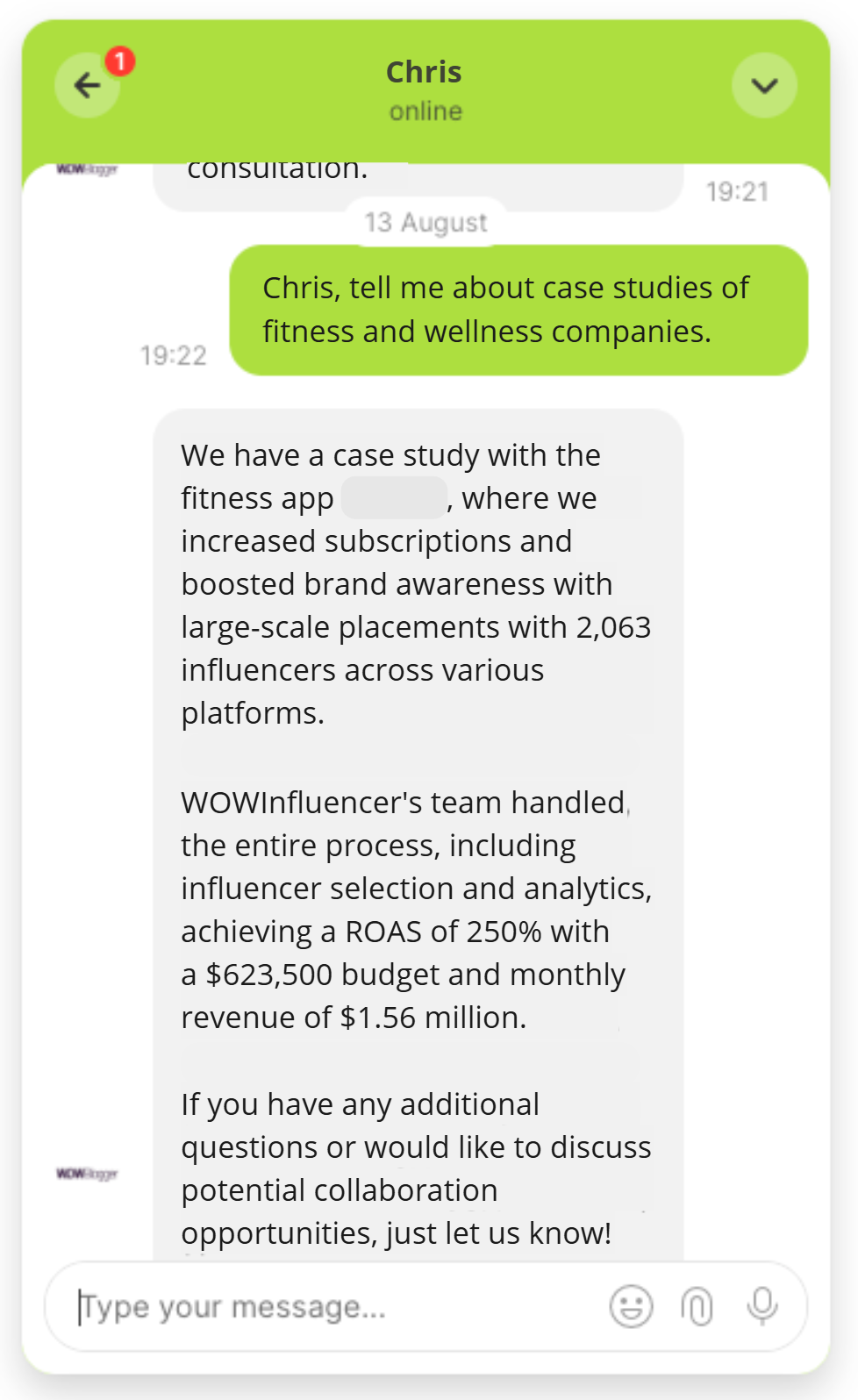
Here’s the AI support agent answering product questions from the knowledge base:
Dashly integrations
- CRM: Salesforce and custom CRMs via webhook
- Calendars (for meetings booked by the AI SDR): Google Calendar, Calendly, cal.com
- Messengers: WhatsApp, Telegram
When Dashly is the right AI tool for your support team
- Support and sales overlap. The AI support agent answers product questions; when the customer is ready to buy, the AI SDR qualifies them and books the meeting in the same conversation.
- You need to trust the answers. Every answer comes from your own content with a visible source, and the agent doesn’t answer when the knowledge base is silent.
- You want 24/7 coverage without hiring. The agent covers nights and weekends; your team takes the conversations it hands over.
Dashly results
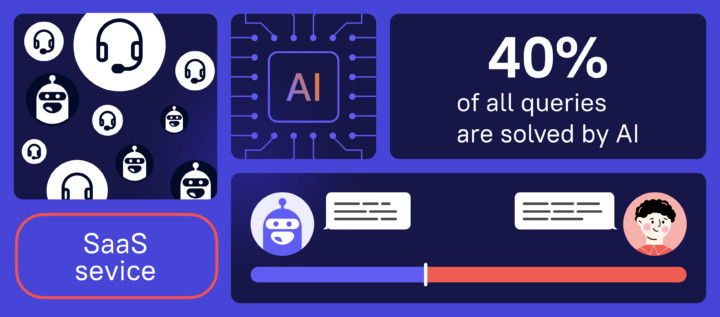
At BizBots, a marketing automation platform, Dashly’s AI support agent closes about 40% of chat requests without a human, and the team didn’t need to hire two more support agents. Wrong answers fell from almost 50% to about 2.5% after the team fixed its knowledge base, and CSAT rose from 4.8 to 4.85. Read the BizBots case study.
2. Zendesk: best for enterprise teams handling 10,000+ tickets per month
Zendesk is the enterprise standard for customer support platform solutions. Built for scale, compliance, and proven reliability.
Zendesk as a customer support platform with AI agents and Answer Bot
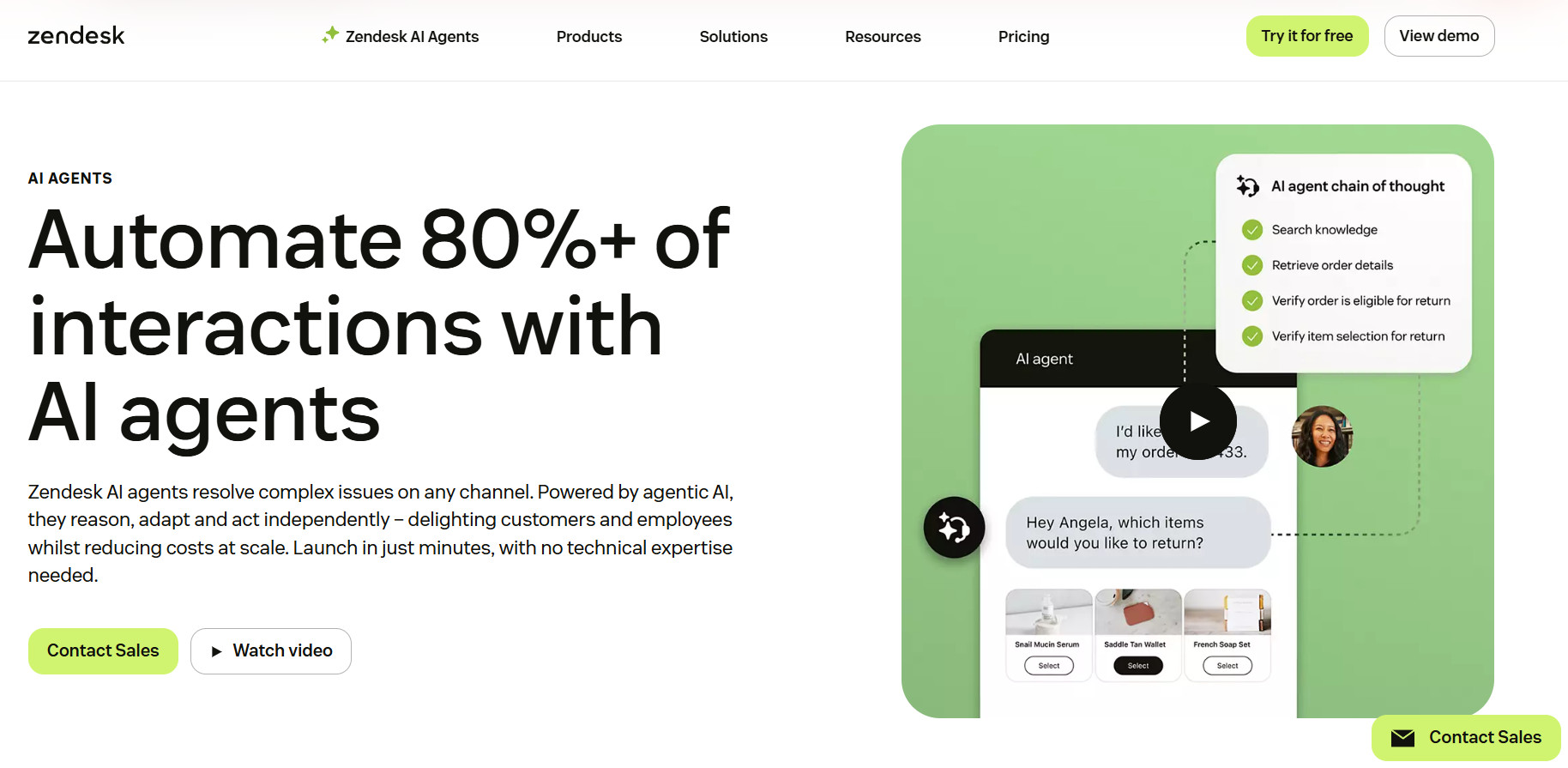
Zendesk’s AI agents answer customers in email, chat, messaging apps, and web forms, inside the same help desk your team already works in. Zendesk cites customers such as TeamSystem with an 80% automation rate.
The support software uses agentic AI. The chatbot reasons across problems and adapts. When a customer asks a question, the AI agent pulls from your knowledge base, past tickets, and help center to deliver answers in seconds. It automatically escalates to humans when complexity or frustration requires human support.
Zendesk AI features: knowledge base, automation, analytics
Zendesk’s AI customer support includes enterprise-grade features:
- Knowledge base integration is core. AI agents suggest articles and generate new knowledge base content using generative AI. The system learns which articles resolve customer interactions most effectively.
- Automation features include automatic ticket routing, AI-powered quality assurance, agent copilot suggestions during live chat, and workflow automation for escalations.
- Analytics track resolution rates, customer satisfaction, escalation frequency, and AI customer service use case performance. 2026 updates add enhanced reporting dashboards.
Who should pick Zendesk among the best AI customer support tools
Zendesk ranks among the best AI customer support tools for specific use cases.
Choose Zendesk when you handle 10,000+ tickets monthly across global teams, need omnichannel coverage (email, chat, social media, phone, SMS) in one customer support platform, operate in regulated industries requiring security certifications, or want nearly two decades of proven customer service reliability.
Don’t choose Zendesk if you’re a small team with under 5,000 tickets monthly. Mid-market B2B SaaS teams often find per-seat costs prohibitive.
3. HubSpot Service Hub: best for teams already running on HubSpot CRM
When your support tools live inside the same platform as your sales and marketing data, HubSpot Service Hub delivers AI customer service already connected to everything your team needs about each customer.
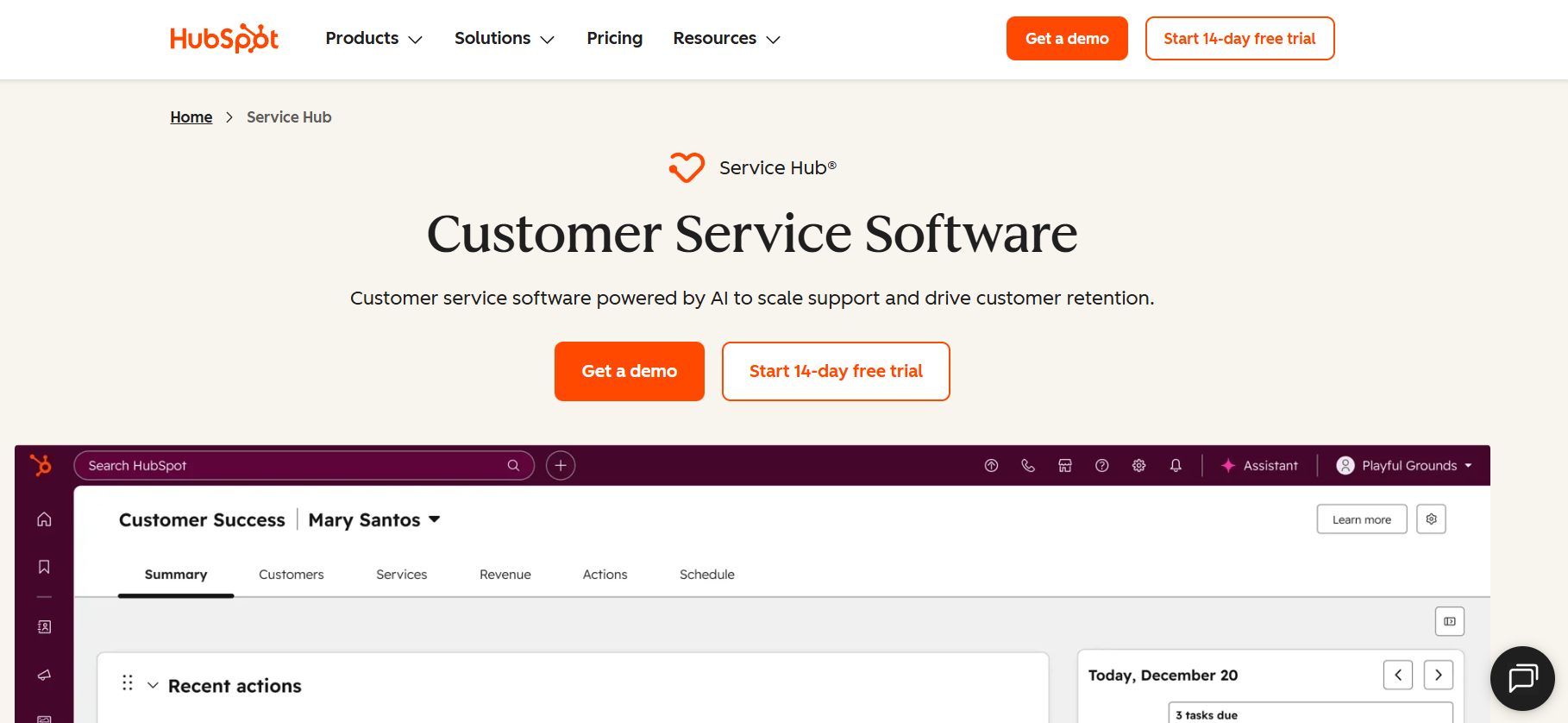
HubSpot as an all‑in‑one CRM and customer service platform
HubSpot Service Hub isn’t a bolt-on customer support tool. It’s part of HubSpot’s unified customer platform, which means your customer service team sees the same customer data as sales and marketing.
When a customer reaches out, your team instantly sees purchase history, past tickets, marketing emails, and which sales rep closed the deal. This context makes customer support faster and more personal.
The platform includes help desk, shared inbox, live chat, customer feedback surveys, and knowledge base. Everything connects to HubSpot’s Smart CRM without custom integrations. For teams already using HubSpot for sales or marketing, adding Service Hub means zero data migration.
AI customer service features in HubSpot
HubSpot’s Breeze AI powers several AI customer service features similar to Salesforce Einstein:
Breeze Customer Agent resolves 70% of conversations on average, according to HubSpot. It needs a Professional or Enterprise plan and costs $0.50 per resolution. It answers questions using your knowledge base, updates CRM data, and escalates complex issues. The automation works across chat, email, and calling channels.
Ticket summarization extracts context from long threads. Smart routing directs tickets based on issue type and customer value. Agent assist suggests responses during conversations.
These features are native to HubSpot’s ecosystem with no separate AI add-on for basic automation.
When to choose CRM‑native AI over standalone support software
Asking which CRM has the best AI misses the point. The question is whether CRM-native AI customer support beats standalone support software.
Choose HubSpot when your customer support overlaps with sales, your team needs full customer lifecycle visibility, you already use HubSpot for other functions, or you want to avoid integration headaches. Standalone support software makes sense when customer support is separate from sales.
4. Intercom Fin: best for SaaS teams needing in-app messaging with AI
If you’re already using Intercom for messaging or sales, adding Fin turns your existing platform into a complete AI customer service solution. Intercom positions itself as the AI customer service company, and Fin is their flagship AI customer agent.
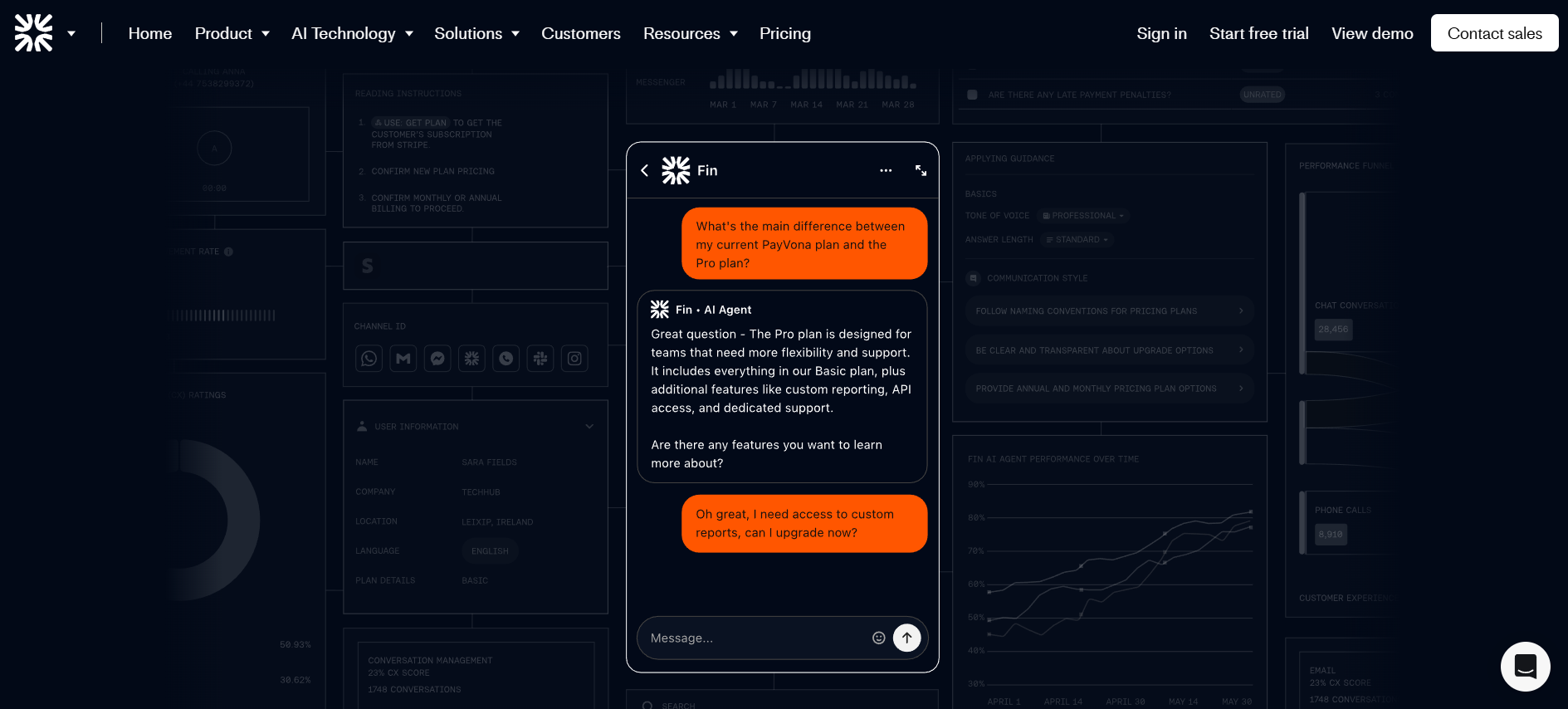
Intercom as an AI customer support platform with Fin, bots, and live chat
Intercom’s customer support platform combines three layers: Fin AI Agent, custom chatbots, and live chat with human agents.
Intercom says Fin customers average a 76% resolution rate. Fin answers customer questions using your knowledge base, past tickets, and help docs. Unlike rule-based chatbots, Fin doesn’t follow a script: it reads the question and answers from your help docs and past tickets.
When Fin can’t resolve an issue, it escalates to live chat agents who see full conversation history. Intercom’s help desk handles tickets, email, chat, phone, WhatsApp, Instagram, and Facebook Messenger from one inbox. The platform works with any help desk, Zendesk, Salesforce, or your custom solution.
Intercom’s features for automation, in‑app messaging, and agent assist
Intercom’s features extend beyond basic chat support tools:
- Automation workflows route tickets, trigger proactive messages, and automate repetitive tasks.
- In-app messaging lets you reach customers inside your product with targeted messages based on behavior. Critical for SaaS retention.
- Agent assist provides AI-powered tools: conversation summarization, suggested responses, and knowledge base recommendations.
Intercom’s Copilot helps support teams draft replies during live chat. These chatbots and tools speed up every customer interaction.
When Intercom is the best AI customer support tool for your stack
Intercom ranks among the best AI customer support tools when you need AI customer service integrated with product messaging.
Choose Intercom when you already use Intercom for sales or marketing, run customer support for a SaaS product requiring in-app messaging, need omnichannel support (email, chat, social, phone), or want a modern AI customer service platform. Don’t choose Intercom if you’re a small team with simple support needs: our Intercom alternatives list covers cheaper and free options.
5. Ada: best for enterprise teams needing no-code AI automation at scale
Ada is built for enterprise teams that need to automate customer service at scale without writing code. It’s a platform that goes beyond basic chatbots to deliver what Ada calls “agentic AI”: intelligent agents that reason through customer problems rather than follow scripts.
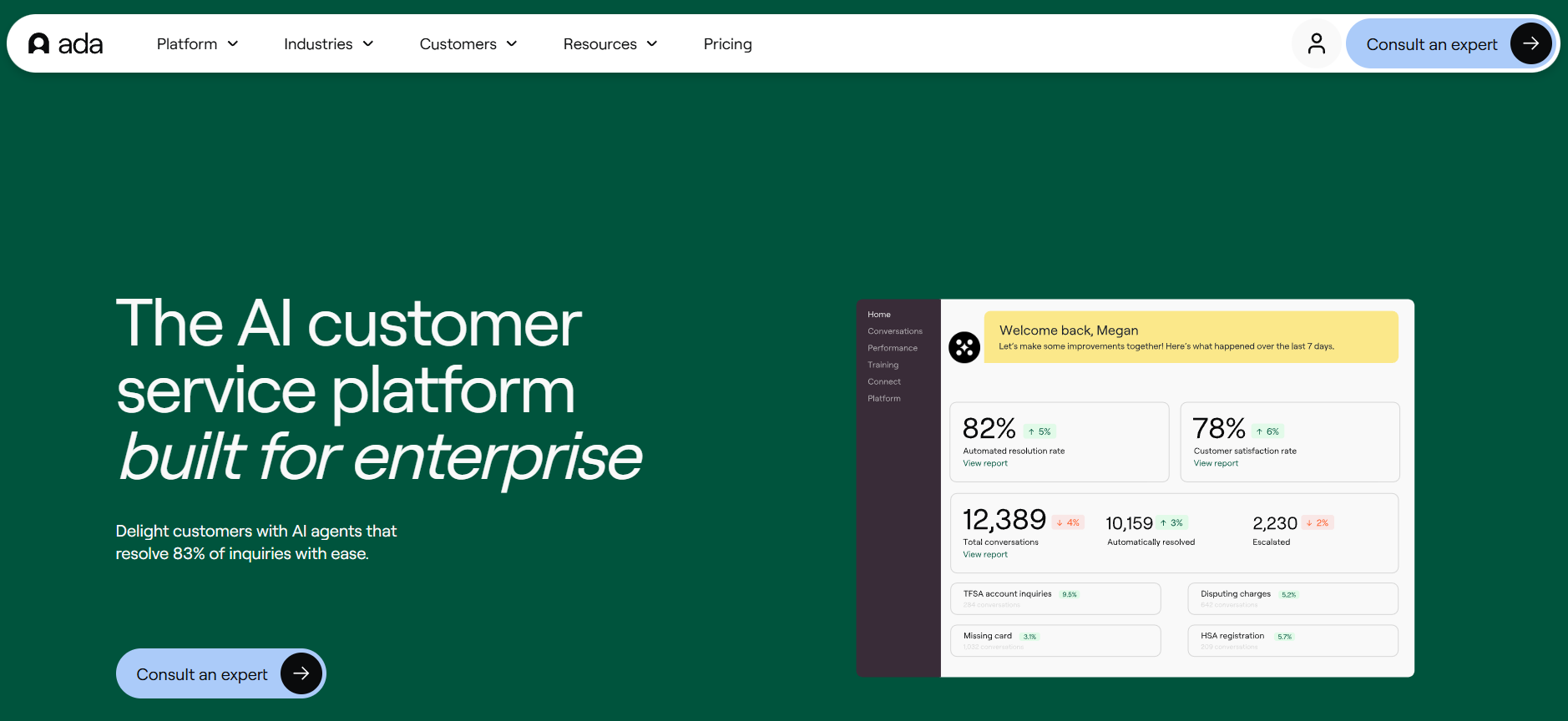
What Ada does as an AI customer service chatbot
Ada positions itself as an AI customer service company that transforms how enterprises deliver customer experiences. The platform’s core is an AI customer service chatbot that handles customer inquiries across channels: web chat, mobile app, email, SMS, and social media.
Unlike rule-based service chatbot tools, Ada’s chatbot uses generative AI to understand multi-intent messages, maintain context across conversation turns, and take action. It doesn’t just answer questions; it can update accounts, process requests, and escalate intelligently to humans when needed.
Ada features for automation and chatbot integration with support tools
Ada’s features center on no-code automation and enterprise-grade chatbot integration:
- No-code agent builder lets non-technical teams build and manage AI chatbots.
- Automation workflows handle routing, escalation, and actions across your support tools.
- Omnichannel deployment maintains customer context across every channel.
Chatbot integration features connect Ada to your existing stack: Zendesk, Salesforce Service Cloud, Kustomer, and other help desk platforms. Ada also integrates with CRMs, knowledge base systems, and commerce platforms. The goal is plug-and-play automation without custom dev work.
When Ada is a good fit for your customer support strategy
Ada works best for enterprise customer support teams handling high volume across multiple channels.
Choose Ada when you’re an enterprise with 50,000+ monthly customer interactions, need AI customer service that scales without code, operate globally with multilingual support requirements, or want chatbot automation that integrates with existing support tools.
Smaller teams may find Ada’s enterprise focus and pricing better suited to larger-scale customer support operations.
6. Zoho Desk: best for budget-conscious teams already using Zoho CRM
If you’re evaluating AI tools for customer support teams but enterprise pricing feels out of reach, Zoho Desk with Zia delivers serious AI customer service capabilities without the enterprise price tag.
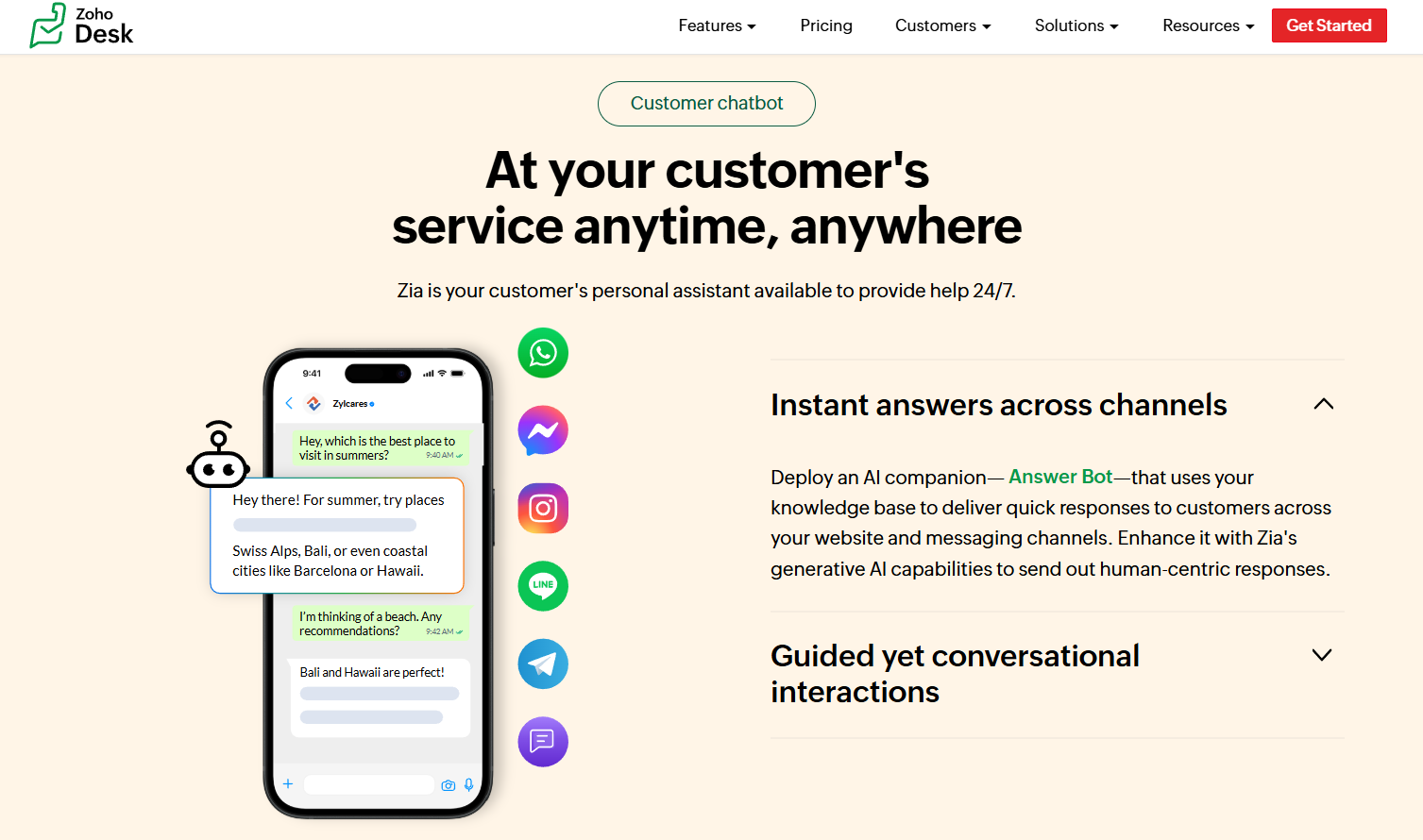
Zoho Desk as customer service software with built‑in AI assistant
Zoho Desk is customer service helpdesk software with Zia, Zoho’s built-in AI assistant, baked directly into the platform. Unlike standalone AI tools, Zia is integrated into every layer of Zoho Desk, from customer-facing support to agent workflows to supervisor analytics.
The support software handles tickets, email, chat, phone, and social channels. Zia sits on top, automating repetitive tasks and augmenting human agents. For teams already using Zoho CRM, the integration is seamless. Customer data flows between sales and support without custom work.
Zia: AI for customer queries, routing, and knowledge base search
Zia is Zoho Desk’s AI designed to simplify customer service across three areas:
- Answer Bot handles customer queries 24/7 by pulling answers from your knowledge base.
- Zia’s AI customer service delivers instant, accurate responses to common questions.
- Sentiment analysis tracks customer emotion across customer interactions, flagging negative sentiment for priority escalation.
Auto-routing and tagging predict ticket fields and route customer queries to the right team. Agent assist features suggest responses, summarize tickets, and surface relevant articles during conversations.
When Zoho’s AI support tools are the right option
Zoho Desk ranks among the best AI customer support tools for budget-conscious teams.
Choose Zoho when you need affordable AI customer support, already use Zoho CRM or other Zoho tools, want software that scales from small teams to mid-market, or need multilingual customer support without premium pricing.
Zoho offers a free tier. One of the few best AI customer support tools free options with real AI features.
7. Kustomer: best for eCommerce and retail teams with high-volume support
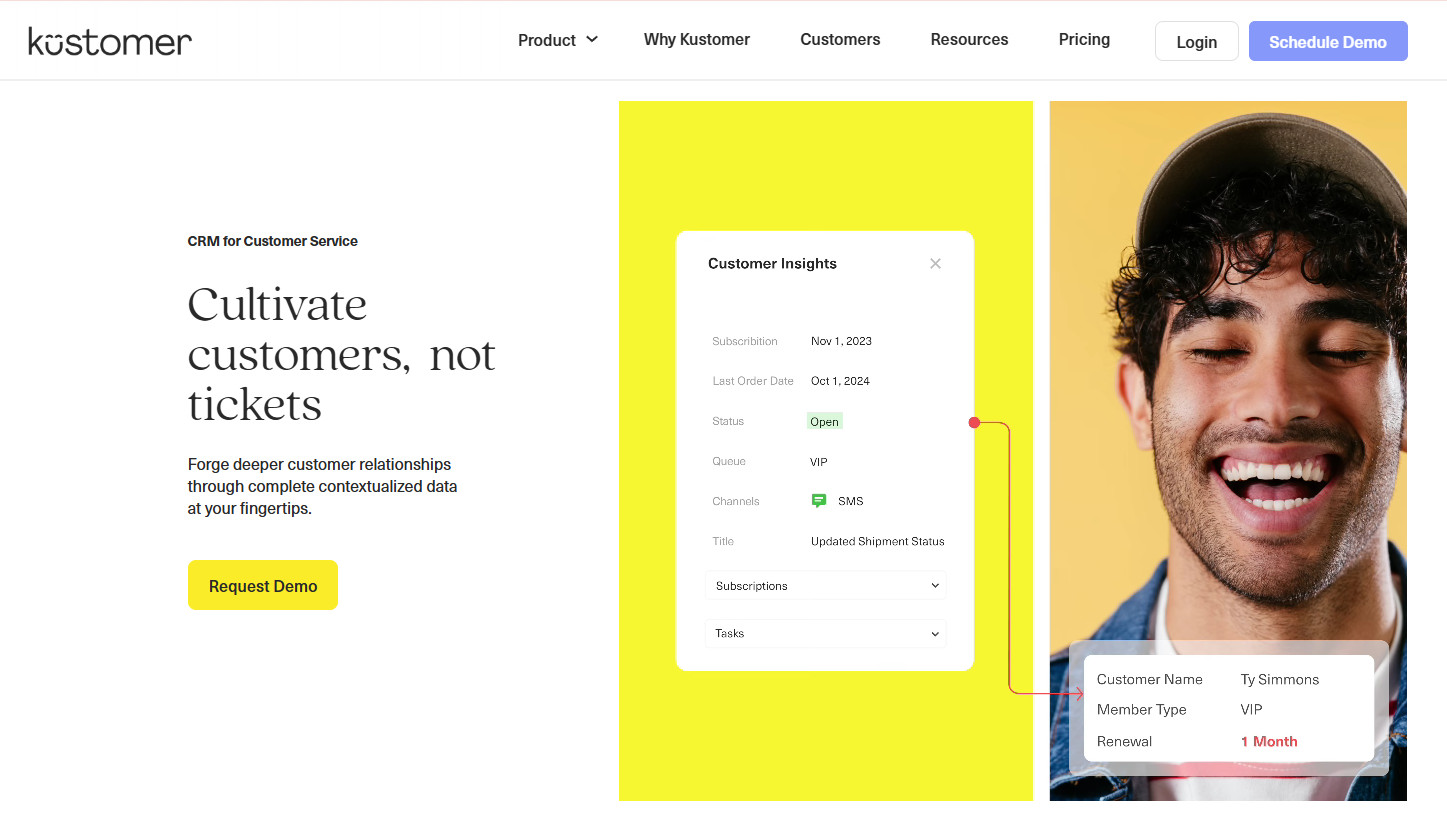
Kustomer takes a different approach to customer service: instead of treating every issue as an isolated ticket, it organizes everything around the customer. Every customer interaction (email, chat, phone, social) lives in a unified timeline that gives your team complete context.
Kustomer as a CRM‑style customer service platform
Kustomer is a customer service CRM that unifies customer data, conversation history, and actions in one view. Unlike traditional ticketing systems, Kustomer organizes support around customers, not tickets.
When an agent opens a conversation, they see the complete customer timeline: past purchases, previous customer interactions, preferences, and ongoing issues across every channel. This context makes customer service faster and more personal.
AI and automation features in Kustomer for chat and messaging
Kustomer AI combines automation with context. The platform offers two AI products:
- AI Agents for Customers handle chat and messaging across channels using your knowledge base and customer data.
- AI Agents for Reps provide agent assist features: instant insights, response suggestions, and customer context during support conversations.
Automation features include intelligent routing, workflow orchestration, and conversation safeguards. Unlike basic chatbots, Kustomer AI maintains context across every customer touchpoint.
Who should consider Kustomer among the best AI customer support tools
Kustomer ranks among the best AI customer support tools for teams that need customer-centric service.
Choose Kustomer as your AI tools for customer support teams when you handle high-volume customer support across multiple channels, need a unified customer view that includes purchase history and preferences, want CRM-style customer service without switching platforms, or operate in ecommerce or retail where customer context drives loyalty.
Kustomer works best for mid-market to enterprise teams prioritizing customer experience over ticket volume.
8. Tidio Lyro: best for SMB and eCommerce teams wanting a free-tier AI option
For small to mid-sized teams looking for an all-in-one customer support platform, Tidio combines live chat, AI chatbots, and help desk ticketing in one package.
Tidio as a hybrid of live chat, chatbot, and support tools
Tidio isn’t just a chatbot or just live chat, it’s a complete customer service platform. The live chat widget works across your website and messaging channels. When customers reach out, Lyro AI chatbots handle initial inquiries automatically. If the chatbot can’t resolve an issue, it hands off to your team for live chat with full conversation context.
The help desk component organizes all customer support conversations (from chat, email, or social media) into a unified inbox with ticketing. This hybrid approach means you’re not juggling separate tools for chatbots, live chat, and customer service management.
Lyro AI features: automating customer queries and recommendations
Lyro AI Agent is Tidio’s conversational AI customer service solution. Unlike rule-based AI chatbots, Lyro uses natural language processing to understand and respond to customer queries in real time.
Automation features include:
- Answering customer queries 24/7,
- Product recommendations for ecommerce,
- Smart actions for order updates and lead qualification,
- Customizable tone and escalation rules.
Lyro runs on Anthropic’s Claude model and learns from your knowledge base, PDFs, and website content.
When Tidio is the right AI support software for your team
Tidio works as support software for teams that need AI customer service without enterprise complexity.
Choose Tidio when you’re a small to mid-sized customer support team, run an ecommerce store needing product recommendation automation, want affordable tools (free tier available), or need live chat and AI chatbots in one platform. Don’t choose Tidio if you’re an enterprise team requiring advanced support customization or complex integrations.
9. Freshdesk Freddy AI: best for global teams needing multilingual AI support
Freshdesk is a mature customer service platform that’s been around since 2010. What makes it relevant in 2026 is Freddy AI, a suite of AI features that transforms Freshdesk into a modern AI customer service platform with bot capabilities, agent assist, and automation.
Freshdesk as customer service software with Freddy AI
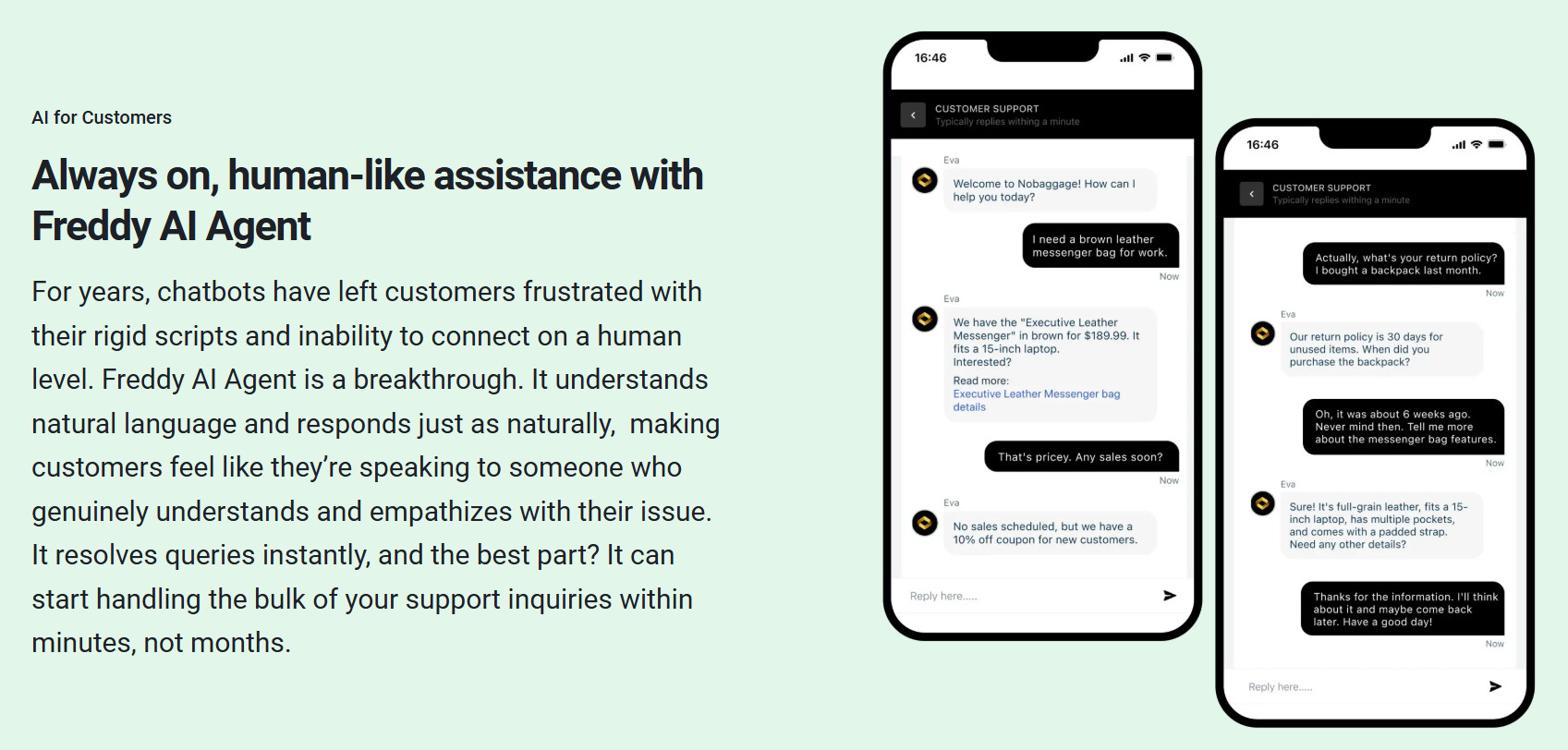
Freshdesk delivers omnichannel customer support across email, chat, phone, social media, and messaging. The support software includes ticketing, help desk management, and self-service customer service portals.
Freddy AI sits on top with three components:
- Freddy AI Agent (the bot that handles customer inquiries),
- Freddy AI Copilot (agent assist tools),
- Freddy Insights (analytics).
The AI Agent bot resolves repetitive queries without human intervention, while Copilot helps support teams work smarter.
Freddy AI features: multilingual support and agent copilot
Freddy AI Copilot delivers agent assist features that boost productivity across customer interactions:
- Live Translate provides real-time translation across 60+ languages, making every agent effectively multilingual.
- Writing assistant helps agents rephrase, enhance tone, and draft responses.
- Summary generator creates concise ticket summaries for faster customer interactions.
Automation features include AI customer service automation for ticket routing, canned response suggestions, and solution article recommendations from your knowledge base.
When Freshdesk + Freddy AI make sense vs other AI customer support tools
Freshdesk ranks among the best AI customer support tools for specific customer needs.
Choose Freshdesk when you need proven support software with a track record, handle global customer support requiring multilingual tools, want a middle-ground between budget tools (Zoho, Tidio) and enterprise platforms (Zendesk), or operate in regulated industries needing established security.
Freddy AI Agent is included in the Growth, Pro, and Enterprise plans for the first 500 sessions, then costs $49 per 100 sessions; Copilot is a $29 per agent add-on on Pro and Enterprise. Count both when you compare total cost.
10. ProProfs Chat: best for small teams under 10 agents on a tight budget
ProProfs Chat combines AI customer service with live chat in a platform designed for small teams that need 24/7 support without hiring night shifts. It has a free plan for one operator.
ProProfs Chat as an AI customer service chatbot and live chat tool
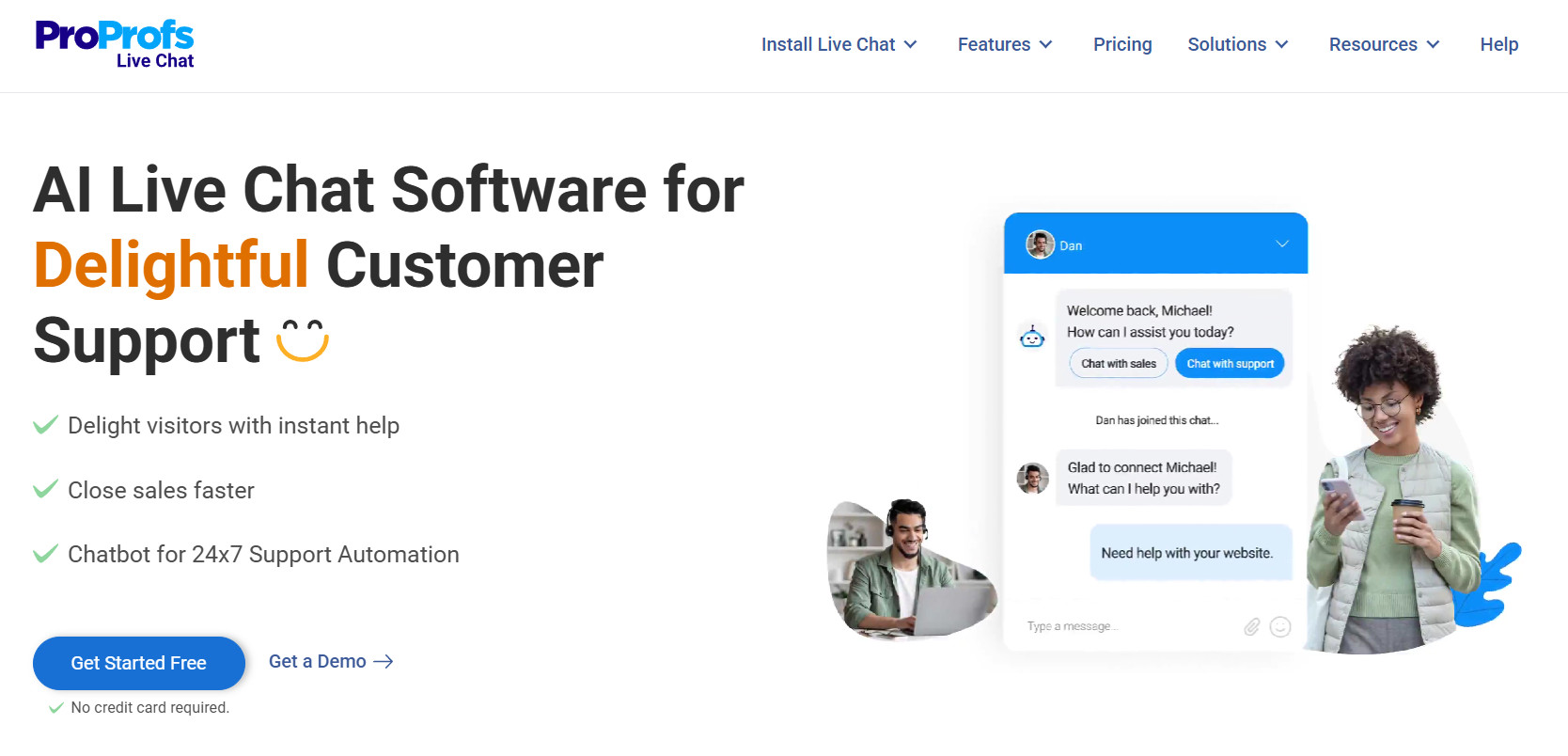
ProProfs Chat is an AI chatbot for customer service that handles customer support 24/7. The platform combines AI chatbots with live chat for human handoff.
ProProfs says its AI resolves 50%+ of tickets by automating routine customer service inquiries. When the chatbot can’t resolve an issue, it routes to human agents via live chat with full conversation context. Pre-chat forms collect customer information before conversations start, improving both chat and customer support efficiency.
ProProfs Chat features for knowledge base integration and reporting
ProProfs features focus on making AI customer service work without complexity.
Knowledge base integration lets the chatbot pull answers directly from your help docs. The AI suggests relevant articles during chat, reducing agent effort and resolving customer queries faster.
Bot performance reporting tracks which customer queries the chatbot handles successfully. Real-time visitor tracking shows customer behavior. Post-chat surveys measure satisfaction. These support tools help you optimize chatbot integration over time.
When ProProfs Chat is the best AI customer support tool for small teams
The paid plan starts at $1.99 per operator a month.
Choose ProProfs when you’re a small customer service team (under 10 agents), need 24/7 support without hiring, want affordable tools (free plan for one operator, or $1.99 per operator per month billed annually), or need simple AI customer service software without enterprise complexity. Don’t choose ProProfs if you need advanced support customization or operate at enterprise scale.
11. Salesforce Service Cloud: best for enterprise CRM-native AI support
Salesforce Service Cloud with Einstein AI delivers customer service built directly into Salesforce CRM. When a customer contacts support, agents see their full purchase history, open opportunities, and past tickets in one view. Einstein routes cases automatically, suggests responses, and surfaces knowledge articles during live conversations.
Einstein Copilot drafts replies, summarizes long threads, and predicts case fields. For enterprise teams already using Salesforce Sales or Marketing Cloud, adding Service Cloud means zero data migration. Starting price: from $25/user/mo (Starter). Best for enterprises where sales, service, and marketing already run on Salesforce.
12. Help Scout: best for SMB teams wanting simple AI-assisted support
Help Scout focuses on making customer support feel human while adding AI where it reduces friction. AI Drafts auto-generates reply suggestions based on previous conversations and your knowledge base. Beacon, Help Scout’s self-service widget, deflects common questions before they reach your inbox.
Help Scout gives you a shared inbox, a knowledge base, and basic reports. Starting price: $25/user/mo (Standard), with AI Answers at $0.75 per resolution; Help Scout puts its average AI resolution rate at 73%. Best for SaaS startups and SMBs with 2 to 15 support agents who want AI answers without a long setup.
13. Gorgias: best for eCommerce brands on Shopify needing AI order support
Gorgias is purpose-built for eCommerce customer service. The platform connects directly to Shopify, WooCommerce, and Magento, so agents see order status, shipping details, and refund history inside every conversation. AI automates the most common eCommerce queries: “Where is my order?”, “Can I return this?”, and “How do I cancel?”
The Automate feature handles repetitive tickets without human input. AI Agent costs $1.00 per automated interaction on monthly plans. Starting price: $10/mo (Starter, 50 tickets). Best for DTC and eCommerce brands with high support volume around orders and returns.
14. Forethought: best for AI triage and deflection before tickets reach agents
Forethought sorts and resolves tickets with AI. The Solve AI agent handles inbound customer questions, while the Triage system automatically tags, routes, and prioritizes tickets based on intent and urgency. Forethought cites results such as 80% deflection at YAZIO.
Forethought integrates with Zendesk, Salesforce, and Freshdesk, so it layers on top of your existing ticketing system rather than replacing it. Pricing is custom. Best for mid-market support teams handling 5,000+ monthly tickets who want AI deflection without switching platforms.
15. HappyFox: best for IT helpdesk teams needing AI-powered ITSM automation
HappyFox combines AI-powered helpdesk with IT service management capabilities. Smart Rules automate ticket routing, assignment, and status updates based on keywords, customer data, and SLA requirements. The AI chatbot handles repetitive support requests 24/7 and escalates to human agents when needed.
HappyFox works well for teams managing both customer-facing support and internal IT requests in a single platform. Starting price: $24/agent/mo (billed annually). Best for IT departments, SaaS companies, and managed service providers needing ITSM alongside standard customer support.
Other tools: Kommunicate, Conversica, Drift, Balto, Replicant
Five more tools serve specific industries or support models.
Kommunicate: AI tools for customer support teams with omnichannel bots
Kommunicate delivers no-code AI chatbots with strong multilingual support capabilities. The platform automates customer support across chat, email, WhatsApp, and social channels.
What sets Kommunicate apart is omnichannel consistency. The AI tools for customer support teams maintain conversation context across every channel. Your chatbots can handle inquiries in multiple languages without separate builds. When AI can’t resolve an issue, human agents receive full context for seamless handoff.
Conversica and Drift: AI chatbots for customer service with a revenue focus
Conversica and Drift aren’t pure customer service tools. They’re revenue-focused AI customer engagement platforms that include support capabilities.
Conversica specializes in automated lead follow-up and qualification. Its chatbots handle customer interactions that blur the line between sales and customer service.
Drift positions itself as conversational marketing and sales software. The tools excel at qualifying inbound traffic and routing high-intent leads. If your support team handles pre-sales questions, Drift’s chatbots bridge that gap.
Dashly covers the same overlap: next to the AI support agent, its AI SDR qualifies inbound buyers and books meetings. For revenue-focused options, see our pages on Drift alternatives and Conversica alternatives.
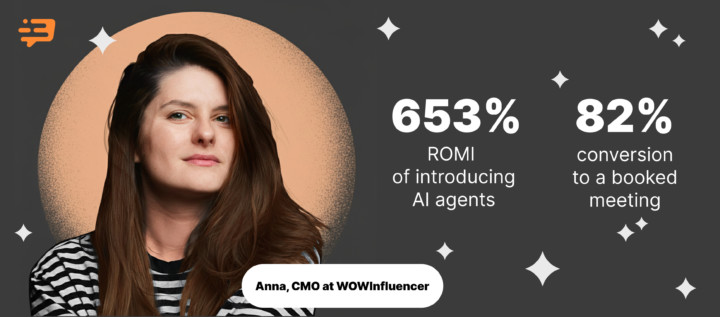
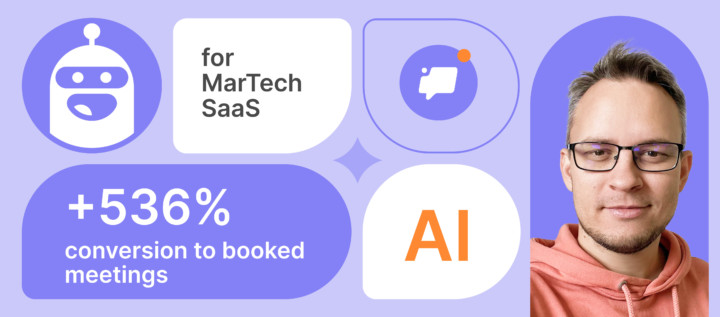
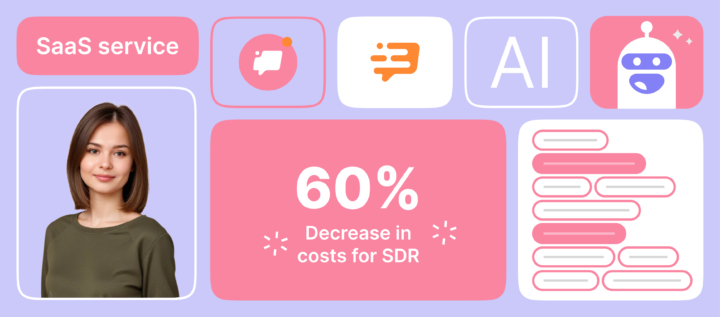
Find out more:
Balto and Replicant: voice-first AI support tools for contact centers
Most AI customer service platforms focus on chat. Balto and Replicant specialize in voice for contact centers.
Balto provides real-time guidance for customer support agents during phone calls. The AI listens to live conversations and surfaces prompts, compliance checks, and objection-handling scripts. It’s AI customer service that augments human voice agents, not replaces them.
Replicant goes further with fully autonomous voice conversations across phone, SMS, and chat. Its site claims 80% of calls resolved by AI, without saying over what period. For contact centers with high call volume, Replicant takes tier-1 voice support.
How to navigate “best ai customer support tools reddit” and other reviews
Searching “best ai customer support tools reddit” surfaces real user opinions but requires critical reading.
Reddit reviews reveal pain points enterprise vendors don’t advertise: hidden pricing, poor support, integration issues. But remember: software complaints often come from frustrated users, not satisfied ones. Balance Reddit feedback with G2, Capterra, and vendor case studies when evaluating best AI customer support tools for your customer needs.
How much do AI customer service tools cost?
AI customer service tools cost from $0 on free plans to custom enterprise contracts. On the vendor pages we checked, paid plans start between about $2 and $55 per agent per month, and AI is often charged on top: from $0.50 to $2.00 per resolution, or as an add-on. Vendors use three pricing models:
- Per seat. You pay for each human agent, and AI is included or sold as an add-on. Predictable, but the bill grows with the team.
- Per resolution or conversation. You pay for each conversation the AI handles or resolves. The cost follows volume, so model it at your current and peak months.
- Flat or custom. A fixed plan or an annual contract, common for enterprise tools and AI agents sold on demo.
Starting prices from vendor websites, checked on November 19, 2026:
| Tool | Starting price | Free plan or trial |
|---|---|---|
| Dashly | On request | Demo |
| Zendesk | $19/agent/mo (Support Team, billed annually); Suite from $55. AI resolutions over the plan limit cost $1.50 to $2.00 each | 14-day trial |
| HubSpot Service Hub | Free for up to 2 users; Starter $20/seat/mo (monthly). Customer Agent needs Professional or Enterprise, $0.50 per resolution | Free plan |
| Intercom Fin | $19/seat/mo (Essential, billed annually) + $0.99 per Fin resolution | 14-day trial |
| Ada | Custom pricing | Demo |
| Zoho Desk | Free for 3 users; Express from $7/user/mo (billed annually, up to 5 users) | Free plan, 15-day trial |
| Kustomer | Custom pricing; AI from $0.75 per engaged conversation | Demo |
| Tidio Lyro | Free plan; Starter $33/mo | Free plan, 7-day trial |
| Freshdesk Freddy AI | $19/agent/mo (Growth, billed annually); Freddy AI Agent includes 500 sessions, then $49 per 100 | 14-day trial |
| ProProfs Chat | Free for one operator; Essentials $1.99/operator/mo (billed annually) | Free plan, 15-day trial |
| Salesforce Service Cloud | $25/user/mo (Starter Suite) | Free trial |
| Help Scout | Free for 5 users; Standard $25/user/mo; AI Answers $0.75 per resolution | Free plan, 15-day trial |
| Gorgias | $10/mo (Starter, 50 tickets); AI Agent $1.00 per automated interaction | 7-day trial |
| Forethought | Custom pricing | Proof of value |
| HappyFox | $24/agent/mo (Help Desk, billed annually); HappyFox AI from $14/agent/mo | 14-day trial |
Free vs paid AI customer support tools
Free plans are good for testing. They usually cap the number of AI conversations, limit integrations, and leave out reporting, so they rarely hold up past a small team. When you compare paid plans, count the full cost at your ticket volume: seats, AI add-ons, and per-resolution fees together.
How to choose the best AI customer support tool
Which AI support tool fits depends on your customer service model, channels, and budget. Here’s how to match the right tools to your team’s needs.
Matching AI support tools to your support model and channels
Your customer support strategy determines which AI tools will actually work for you.
If you run high-volume support across multiple channels (email, chat, social media) you need a platform that handles omnichannel customer interactions. AI that can maintain context across channels prevents customers from repeating themselves.
For B2B SaaS teams focused on customer service through in-app messaging and email, look for tools that integrate directly with your product. Context matters. AI that knows what page a customer is on or which features they’ve used delivers better support.
Small teams handling straightforward customer interactions? A lightweight AI chatbot might be enough. Enterprise teams with complex queries? You need AI that can handle escalations and route intelligently to human agents.
Key features to look for in AI customer service software
The best AI customer service software shares a few non-negotiable features:
- Smart routing and escalation. AI should know when to hand off to humans. Look for software that can detect frustration, complexity, or intent signals that require human support.
- Knowledge base integration. Your AI is only as good as the information it can access. The best support software pulls from your existing docs, FAQs, and help center without manual training.
- Integrations features that matter. Your AI customer support tools should connect to your CRM, ticketing system, and customer service platform. If data stays in separate systems, agents copy it by hand.
- Analytics and reporting. You need visibility into what the AI is saying, which customer queries it’s handling, and where it’s falling short. Without it, you can’t tell where the AI fails.
How to roll out AI customer service tools
AI tools take the repeat work: answers to common questions, routing, coverage at night, and drafting help for human agents. People keep the conversations that need judgment and empathy. For the bigger picture, see our guide to AI for customer service.
- Fix the knowledge base first. AI answers only as well as the articles it reads. Write them in your customers’ words, one question per article, with the answer in the first sentence.
- Start with one question type. Let the AI take the most common topic, measure it for two weeks, then add the next one.
- Set handoff rules before launch. Decide which topics always go to a person and make sure the human agent sees the whole conversation.
- Connect the help desk and CRM. The AI needs to read and update tickets, and your team needs the AI’s conversations in the same place as everything else.
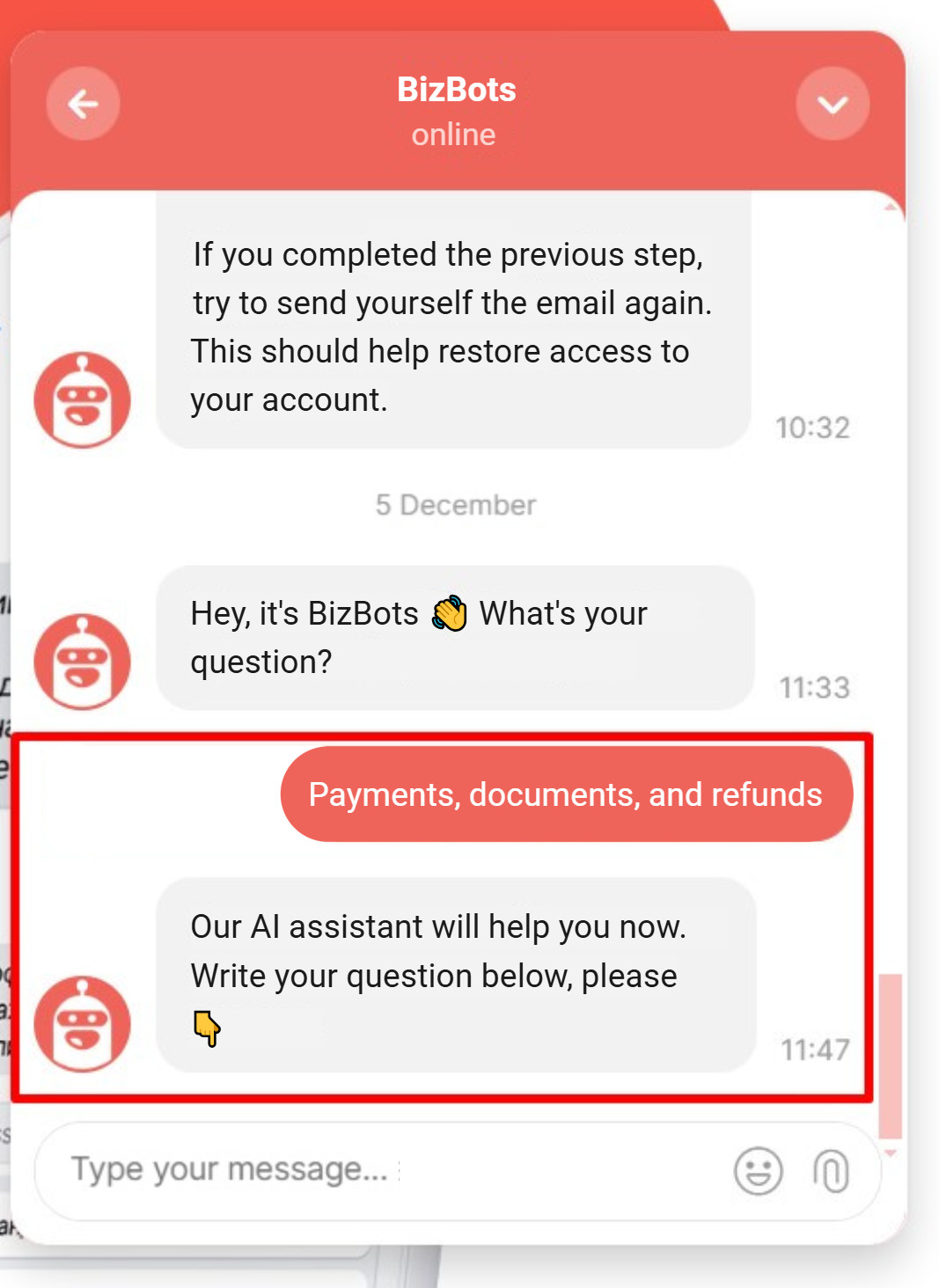
At the start, BizBots let the AI support agent answer only one type of question and expanded from there:
The full step-by-step plan is in our guide on how to automate customer service.
How to evaluate AI customer interactions and keep quality high
Deploying automation isn’t the finish line. Measuring and improving customer interactions determines whether your AI customer service actually works.
Measuring success: from resolution time to CSAT and customer effort
Track these metrics for customer interactions: resolution time (how fast issues close), CSAT scores (satisfaction ratings), customer effort score (how hard customers work to get help), and automation coverage rate (percentage AI handles without escalation).
Compare AI customer service performance against human baselines. If your customer support AI resolves tier-1 queries in under 2 minutes but humans took 15, that’s measurable value. If CSAT drops post-automation, your AI needs tuning.
Reviewing AI chat and live chat transcripts to improve the knowledge base
Review chat and live chat transcripts monthly. When chatbots fail to answer customer queries, you’ve found knowledge base gaps.
Look for patterns: repeated questions, escalations, and dead-end conversations. Add missing content to your knowledge base. When customer queries change seasonally, update articles proactively.
Building a QA process for AI chatbots and human agents together
QA shouldn’t treat AI chatbots and human agents separately. Build a unified process: sample customer service conversations from both, score accuracy and tone, and identify coaching opportunities. When AI chatbots and agents collaborate on support, your QA process should too.
Bottom line. The best AI customer service tool answers correctly from your own content and hands the rest to your team with context. Start with the comparison table, shortlist two or three tools for your segment, and test them on last month’s real questions.
FAQ on AI customer service tools
AI support automation for B2B SaaS is the use of AI agents to answer or sort customer questions automatically and pass complex cases to human agents. The AI answers from your knowledge base, and the help desk and CRM connections give your team the full history when a conversation is handed over.
It depends on your segment: Zendesk and Salesforce Service Cloud for enterprise, Dashly or Intercom Fin for B2B SaaS, HubSpot Service Hub for teams on HubSpot CRM, and Tidio, ProProfs Chat, or Zoho Desk for small teams. See the picks by use case.
Start with the most common question type: let an AI agent answer it from your knowledge base, set rules for handing conversations to human agents, and measure the results for two weeks. Then add the next topic and connect the AI to your help desk and CRM.
Among CRMs, HubSpot and Salesforce have AI agents built into their service products: HubSpot’s Breeze Customer Agent and Salesforce’s AI in Service Cloud both work on CRM data without a separate integration. Which one fits depends on the CRM your sales team already uses.
You can, but a general model answers from general knowledge and can invent policies or features you don’t have. It also has no help desk, routing, or handoff to your team. For customer service, use an AI agent that answers only from your knowledge base, shows the source of each answer, and hands the conversation to a human agent when the answer isn’t there.
AI answers repeat questions from the knowledge base, routes tickets by topic and urgency, covers nights and weekends, suggests articles before a ticket is created, and helps human agents with reply drafts and ticket summaries.
There is no official Big 4, but four of the best-known AI agents in customer service come from Zendesk, Intercom (Fin), Salesforce, and HubSpot (Breeze Customer Agent). All four work inside their own help desk or CRM. For B2B SaaS teams, Dashly’s AI support agent answers from the knowledge base and works next to an AI SDR that takes buying questions.
From $0 on free plans to custom enterprise contracts. On the vendor pages we checked, paid plans start between about $2 and $55 per agent per month, and AI is often charged on top: as an add-on or from $0.50 to $2.00 per resolution. See the pricing table.
Intercom Fin, Tidio Lyro, Ada, Zendesk AI agents, and ProProfs Chat are the strongest AI chatbots on this list. Test each on your own help content: how often it answers correctly and what it does when it doesn’t know. See AI chatbots for customer service.
AI help desk software is a ticketing system with AI built in: it routes and tags tickets, suggests replies, summarizes threads, and answers simple requests. Zendesk, Freshdesk, Zoho Desk, HappyFox, and Help Scout are examples. See AI help desk software.